{
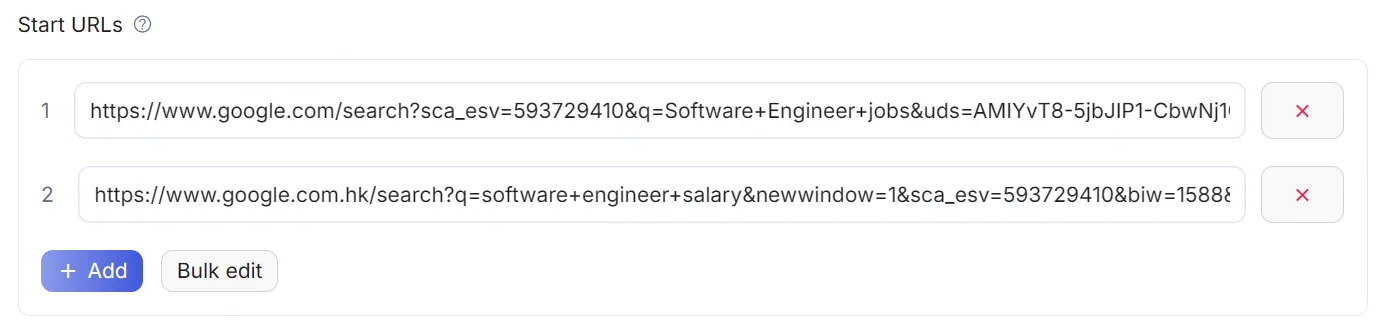
    "title": "startURLs",
    "name": "url",
    "type": "array",
    "editor": "requestListSource",
    "default": [
        {
            "url": "https://www.instagram.com/espn",
            "end_date": "",
            "start_date": "",
            "num_of_posts": "10",
            "posts_to_not_include": ""
        }
    ],
    "param_list": [
        {
            "param": "url",
            "title": "URL",
            "editor": "input",
            "type": "string",
            "required": true,
            "description": "This parameter is used to specify the Instagram access URL to be fetched."
        },
        {
            "param": "num_of_posts",
            "title": "Maximum Number of Reels",
            "type": "integer",
            "editor": "number",
            "description": "This parameter is used to specify the maximum number of Reels to fetch."
        },
        {
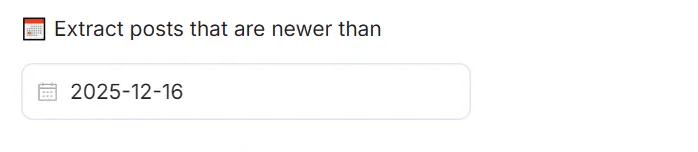
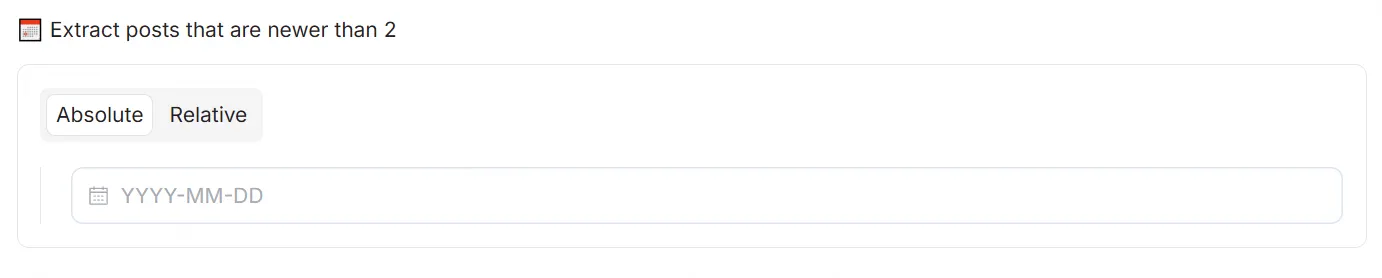
            "param": "start_date",
            "title": "Start Date",
            "type": "string",
            "editor": "datepicker",
            "format": "MM-DD-YYYY",
            "valueFormat": "MM-DD-YYYY",
            "description": "This parameter is used to specify the start time of the post, format: mm-dd-yyyy, and should be earlier than the \"end_date\"."
        },
        {
            "param": "end_date",
            "title": "End Date",
            "type": "string",
            "editor": "datepicker",
            "format": "MM-DD-YYYY",
            "valueFormat": "MM-DD-YYYY",
            "description": "This parameter is used to specify the end time of the post, format: mm-dd-yyyy, and should be later than the \"start_date\"."
        }
    ],
    "description": "The URLs of the website to scrape"
}