
1. Script Discovery Entry Points
The platform provides two entry points for discovering scripts, allowing users to choose based on their usage scenario:- Official Template Store
- Console Template Menu
2. Finding Scripts in the Official Template Store
2.1 Access the Template Store
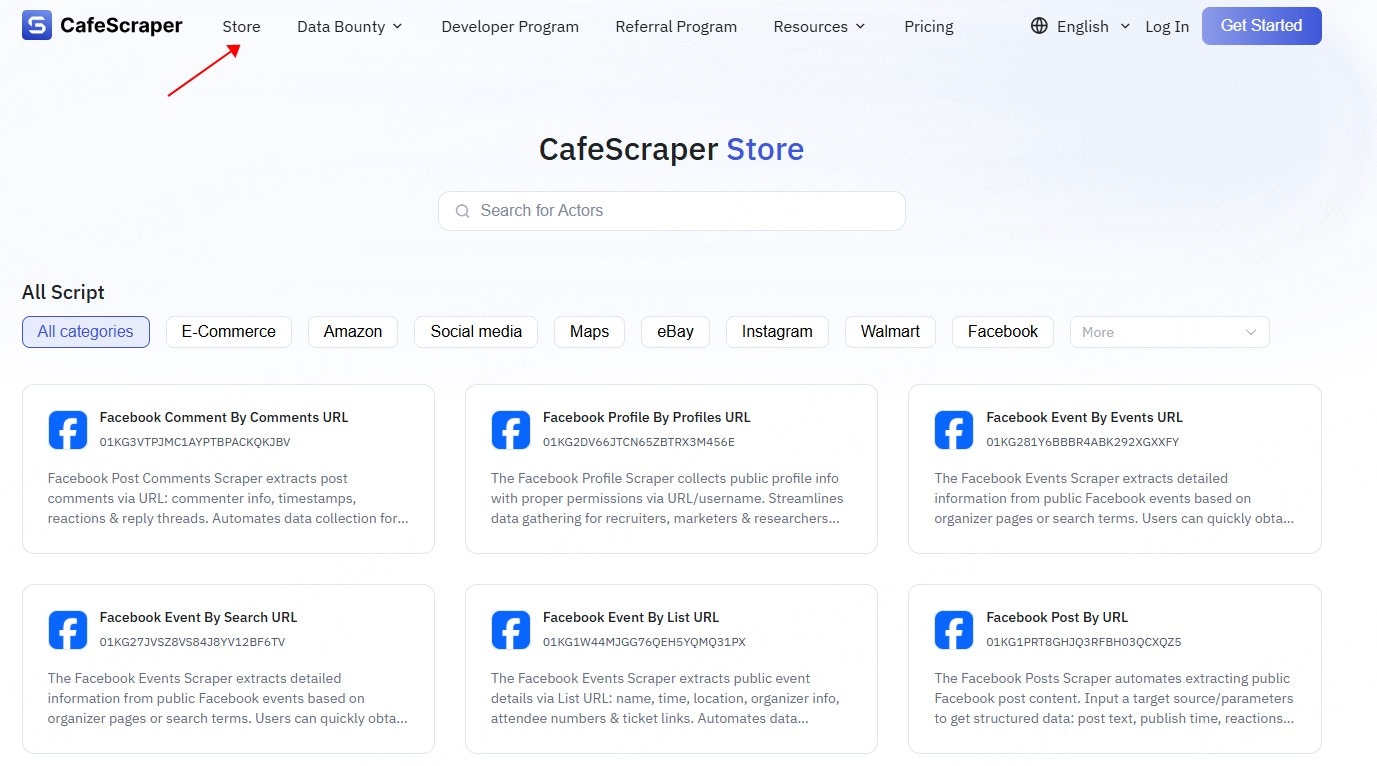
Users visit the official platform website and navigate to the Template Store page via the navigation bar or related entry points.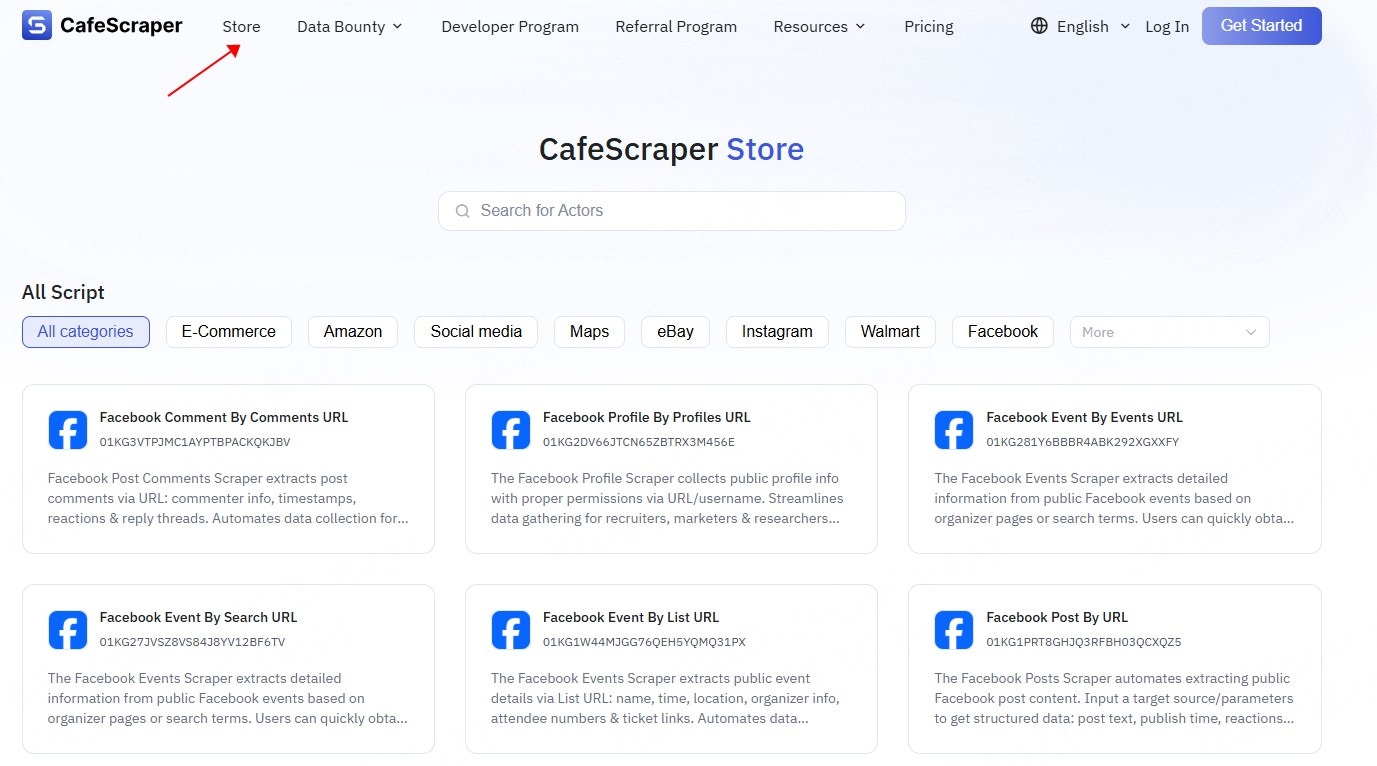
2.2 Browse Script Categories
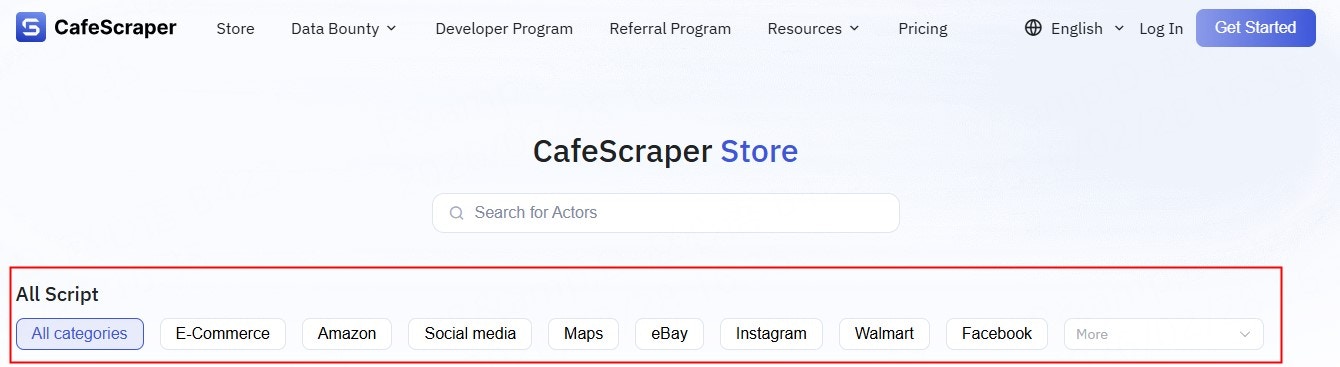
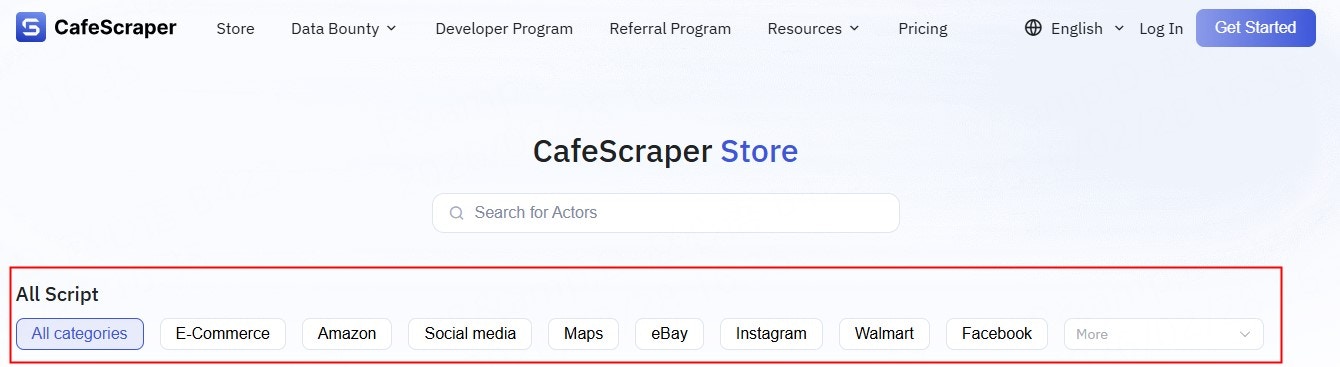
On the Template Store page, scripts are typically organized by functionality or application scenarios, such as:- Website data collection
- Search engines
- E-commerce platforms
- Social media
- General-purpose data collection tools
2.3 Script Search (Fuzzy Search)
The Template Store supports script search via the search box, including:- Fuzzy search by script name
- Fuzzy search by script description / keywords
3. Finding Scripts via the Console Template Menu
3.1 Access the Template Page
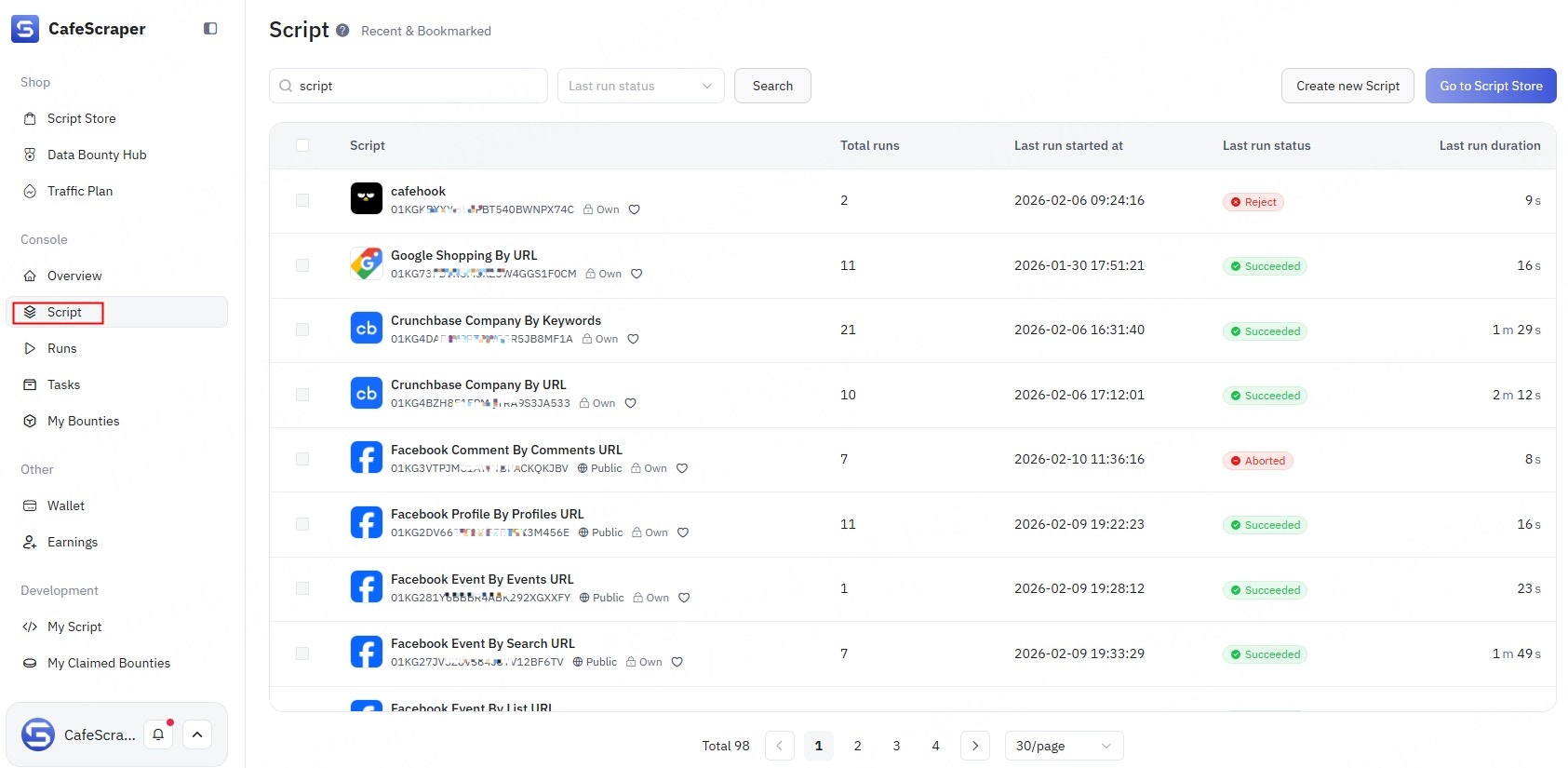
After logging in to the console, click Template in the left-side menu to enter the script management page.
3.2 View the Script List
On the Template page, users can view all available scripts provided by the platform, including:- Script name
- Script summary
- Script status
- Supported features
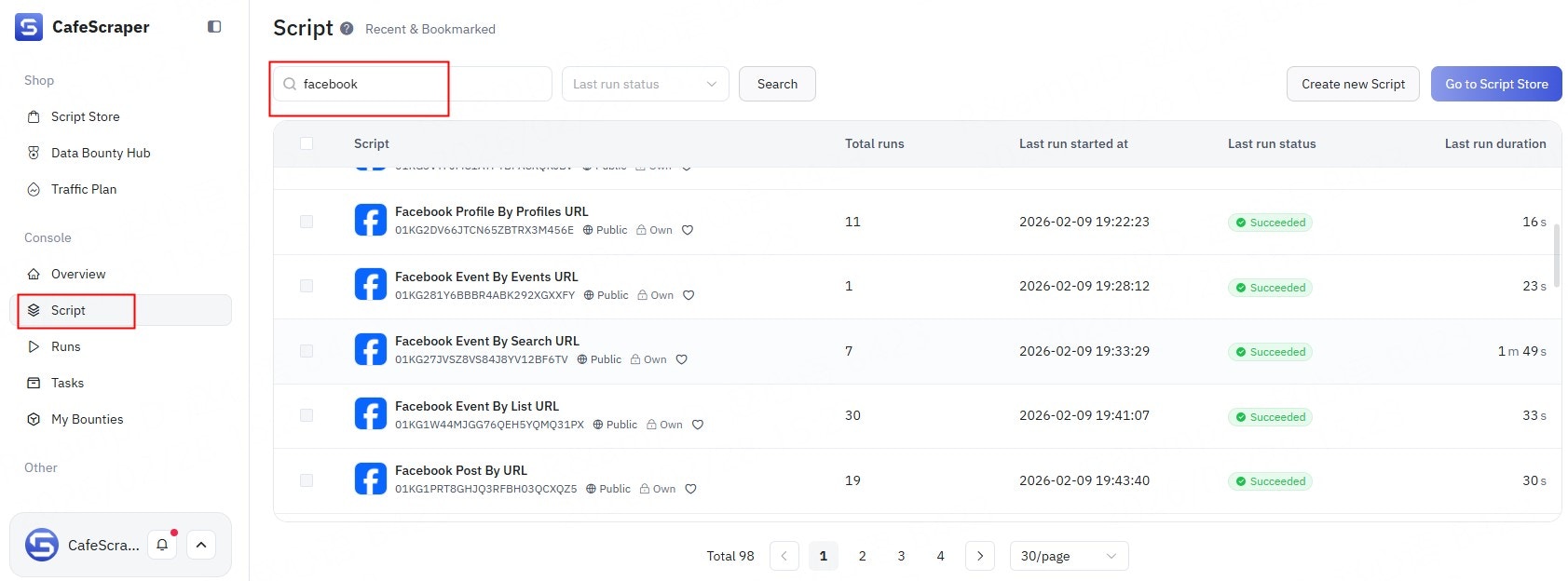
3.3 Script Search (Fuzzy Search)
The Template page also supports search functionality, including:- Fuzzy search by script name
- Fuzzy search by script content / description keywords
4. Viewing Script Details
Whether in the Template Store or the Console Template page, users can click any script to access its detail page, where they can review:- Script functionality description
- Supported use cases
- Required input parameters
- Output data structure
- Usage examples