> ## Documentation Index
> Fetch the complete documentation index at: https://docs.cafescraper.com/llms.txt
> Use this file to discover all available pages before exploring further.
# How to Find an Template
## **1. Script Discovery Entry Points**
The platform provides **two entry points for discovering scripts**, allowing users to choose based on their usage scenario:
1. **Official Template Store**
2. **Console Template Menu**
Both entry points display the same script information and support script browsing and search.
***
## **2. Finding Scripts in the Official Template Store**
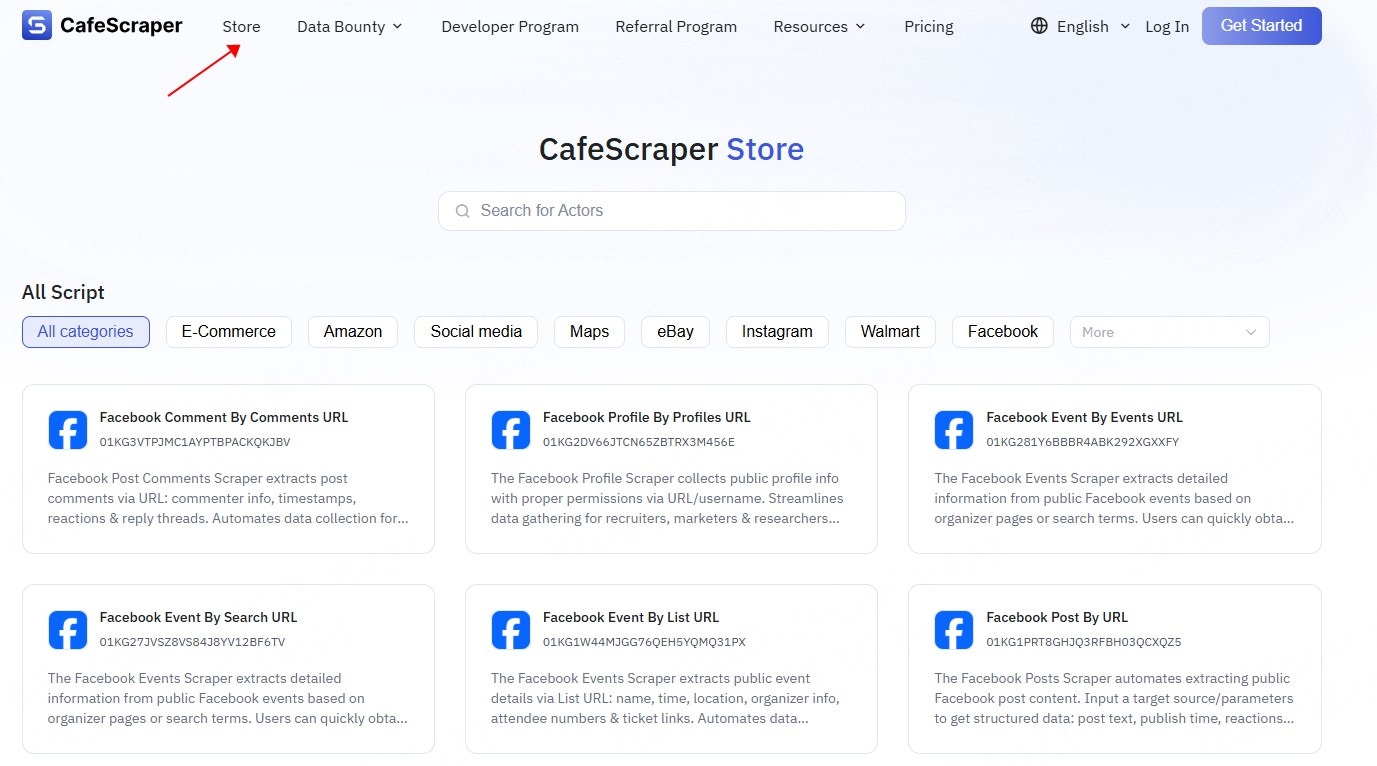
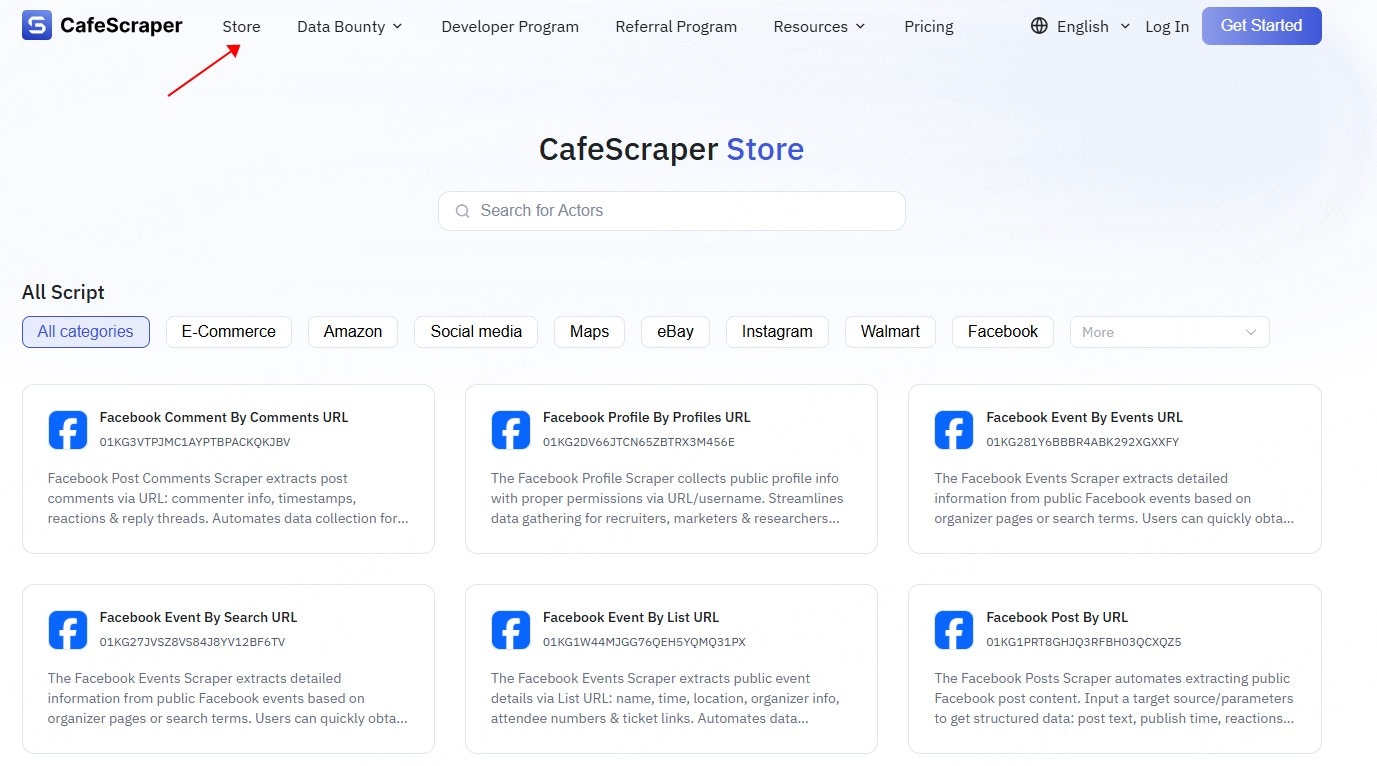
### **2.1 Access the Template Store**
Users visit the official platform website and navigate to the **Template Store** page via the navigation bar or related entry points.
 ***
### **2.2 Browse Script Categories**
On the **Template** Store page, scripts are typically organized by functionality or application scenarios, such as:
* Website data collection
* Search engines
* E-commerce platforms
* Social media
* General-purpose data collection tools
Users can quickly browse scripts of a specific type by selecting a category.
***
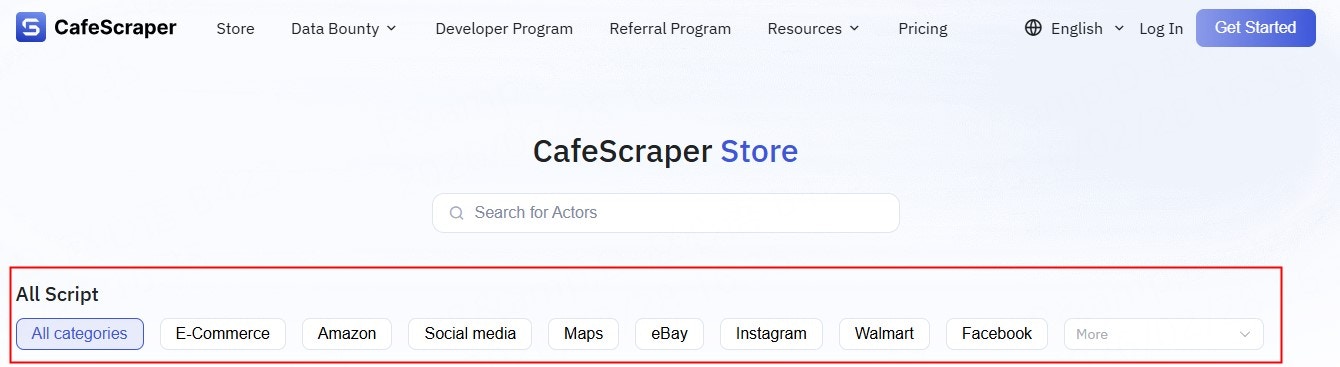
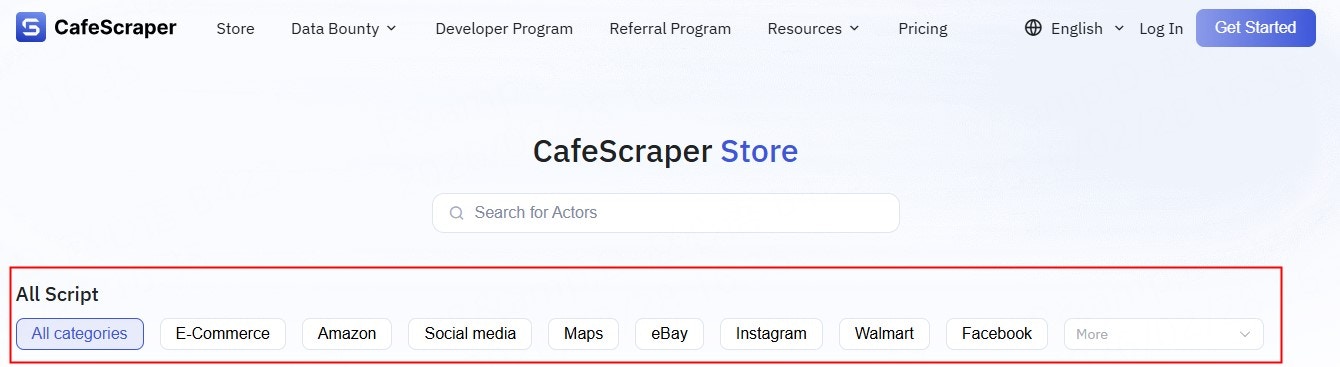
### **2.2 Browse Script Categories**
On the **Template** Store page, scripts are typically organized by functionality or application scenarios, such as:
* Website data collection
* Search engines
* E-commerce platforms
* Social media
* General-purpose data collection tools
Users can quickly browse scripts of a specific type by selecting a category.
 ***
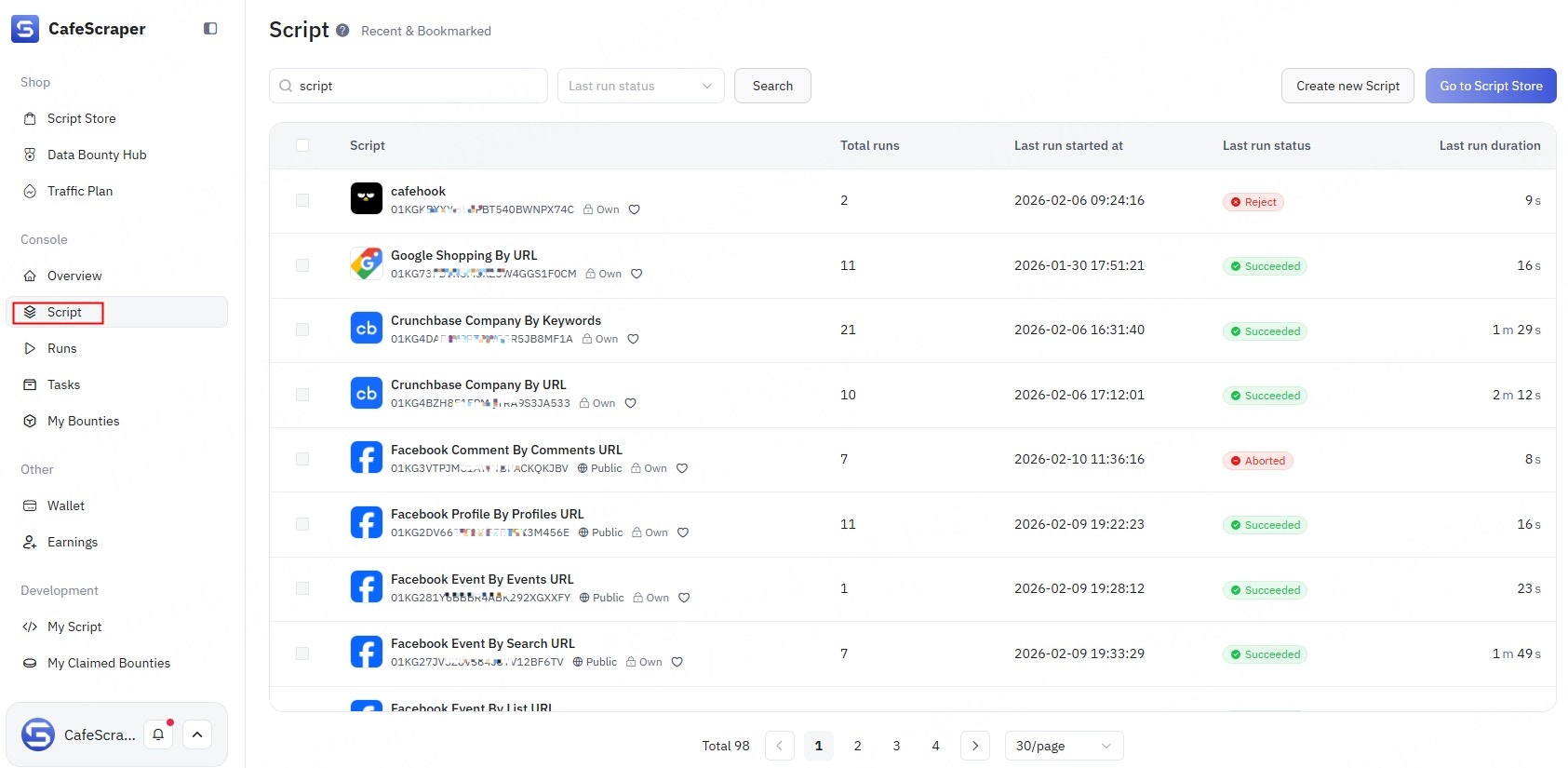
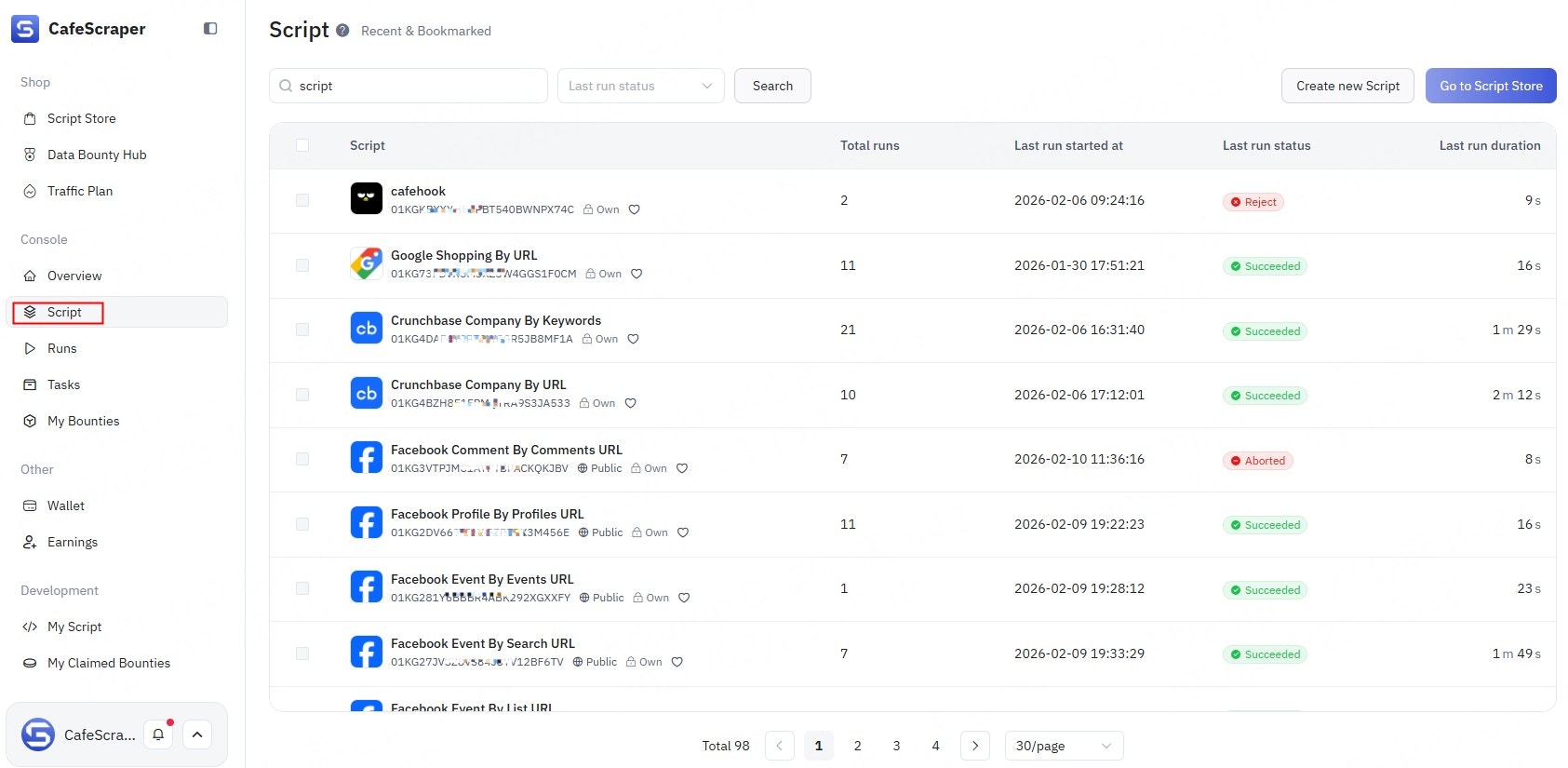
### **2.3 Script Search (Fuzzy Search)**
The Template Store supports script search via the search box, including:
* Fuzzy search by **script name**
* Fuzzy search by **script description / keywords**
After entering keywords, the system automatically matches and displays relevant scripts.
***
### **2.3 Script Search (Fuzzy Search)**
The Template Store supports script search via the search box, including:
* Fuzzy search by **script name**
* Fuzzy search by **script description / keywords**
After entering keywords, the system automatically matches and displays relevant scripts.
 ***
## **3. Finding Scripts via the Console Template Menu**
### **3.1 Access the Template Page**
After logging in to the console, click **Template** in the left-side menu to enter the script management page.
***
## **3. Finding Scripts via the Console Template Menu**
### **3.1 Access the Template Page**
After logging in to the console, click **Template** in the left-side menu to enter the script management page.
 ***
### **3.2 View the Script List**
On the Template page, users can view all available scripts provided by the platform, including:
* Script name
* Script summary
* Script status
* Supported features
***
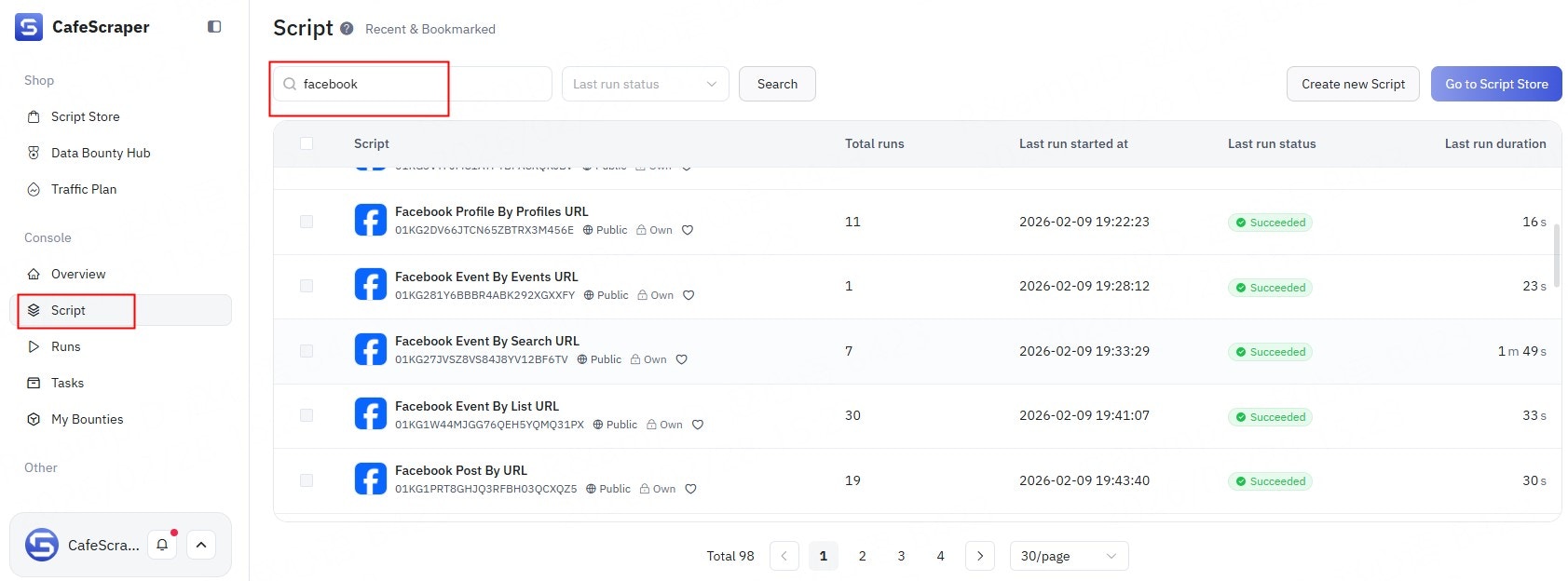
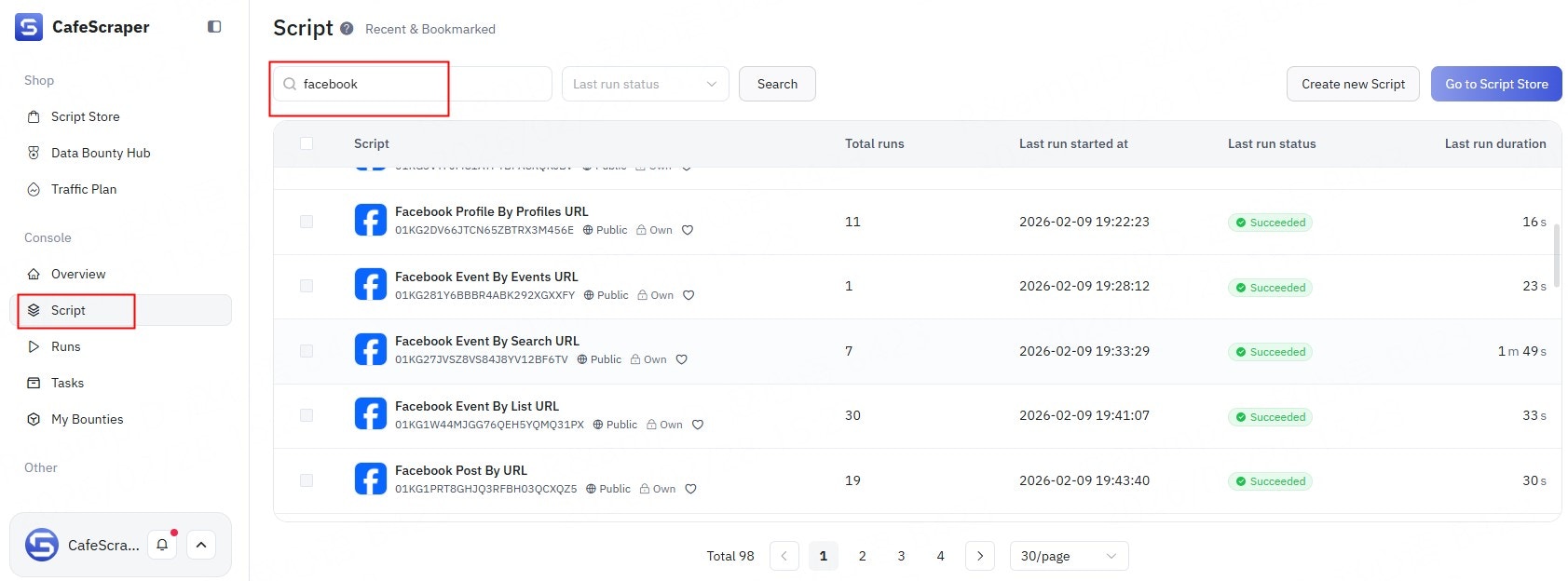
### **3.3 Script Search (Fuzzy Search)**
The Template page also supports search functionality, including:
* Fuzzy search by **script name**
* Fuzzy search by **script content / description keywords**
Search results are updated in real time, helping users quickly locate the desired script.
***
### **3.2 View the Script List**
On the Template page, users can view all available scripts provided by the platform, including:
* Script name
* Script summary
* Script status
* Supported features
***
### **3.3 Script Search (Fuzzy Search)**
The Template page also supports search functionality, including:
* Fuzzy search by **script name**
* Fuzzy search by **script content / description keywords**
Search results are updated in real time, helping users quickly locate the desired script.
 ***
## **4. Viewing Script Details**
Whether in the **Template Store** or the **Console Template page**, users can click any script to access its detail page, where they can review:
* Script functionality description
* Supported use cases
* Required input parameters
* Output data structure
* Usage examples
Users can determine whether a script meets their data collection requirements based on the details provided.
***
## **4. Viewing Script Details**
Whether in the **Template Store** or the **Console Template page**, users can click any script to access its detail page, where they can review:
* Script functionality description
* Supported use cases
* Required input parameters
* Output data structure
* Usage examples
Users can determine whether a script meets their data collection requirements based on the details provided.