> ## Documentation Index
> Fetch the complete documentation index at: https://docs.cafescraper.com/llms.txt
> Use this file to discover all available pages before exploring further.
# How to Collect Data Through Website Registration?
> This document describes the complete workflow for general users, from account registration to completing data collection and exporting results.\
> It is intended for first-time users of the platform.
***
## **1. Overall Workflow Overview**
The complete user operation flow is as follows:
1. Register an account
2. Log in to the system
3. Create a task
4. Configure targets
5. Collect data
6. Preview results
7. Export data
***
## **2. User Registration**
### **2.1 Access the Registration Page**
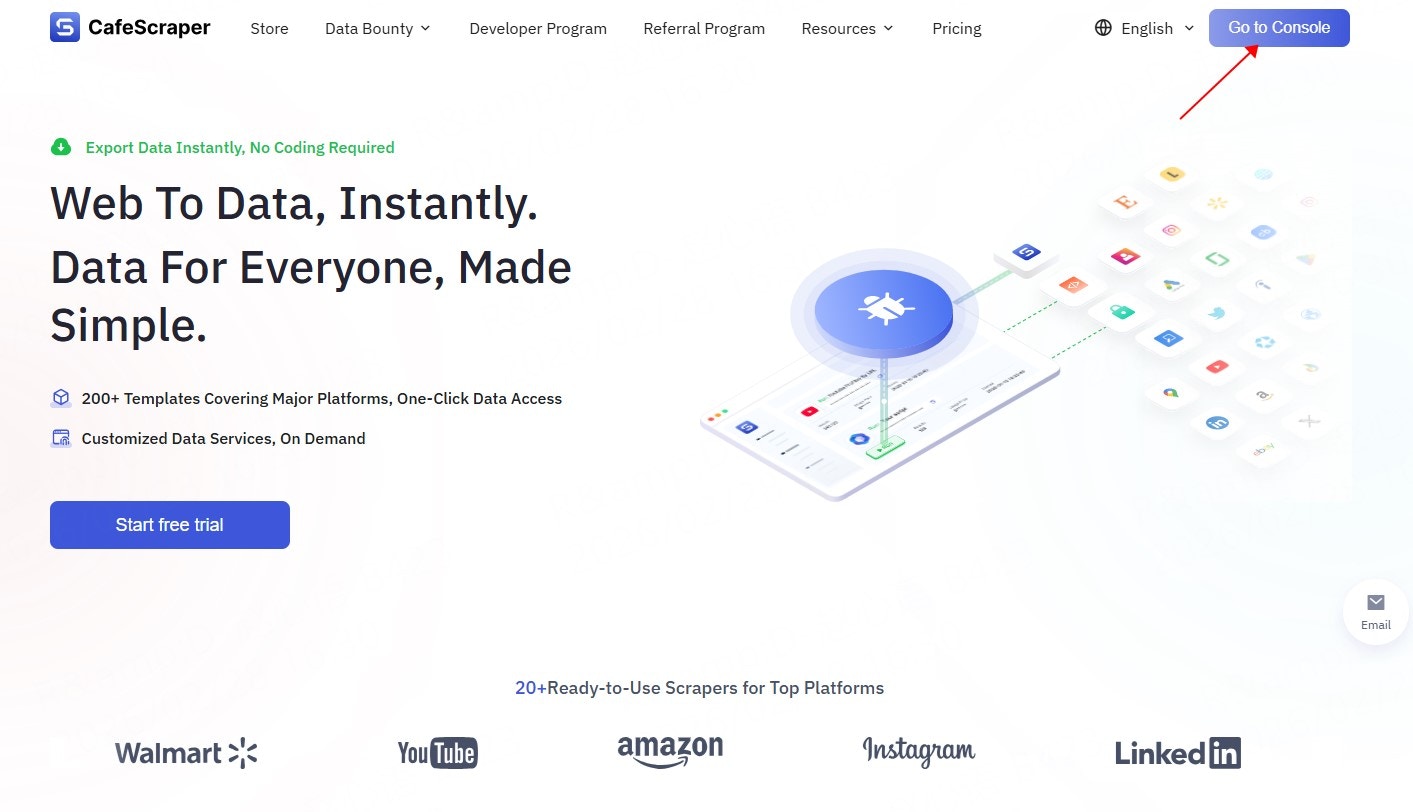
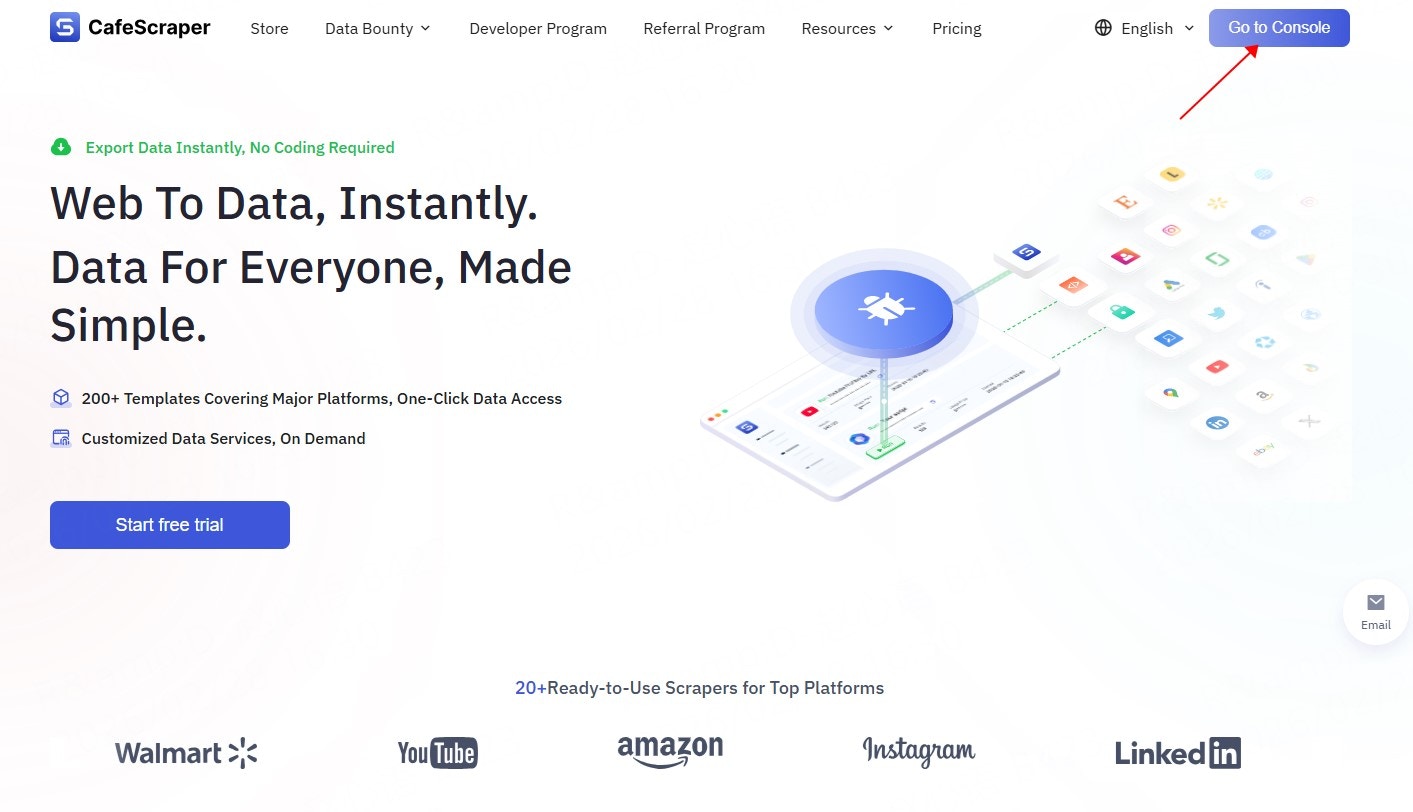
Users visit the official website and click the **“Go to Console”** button in the top-right corner to enter the registration page.
 ***
### **2.2 Fill in Registration Information**
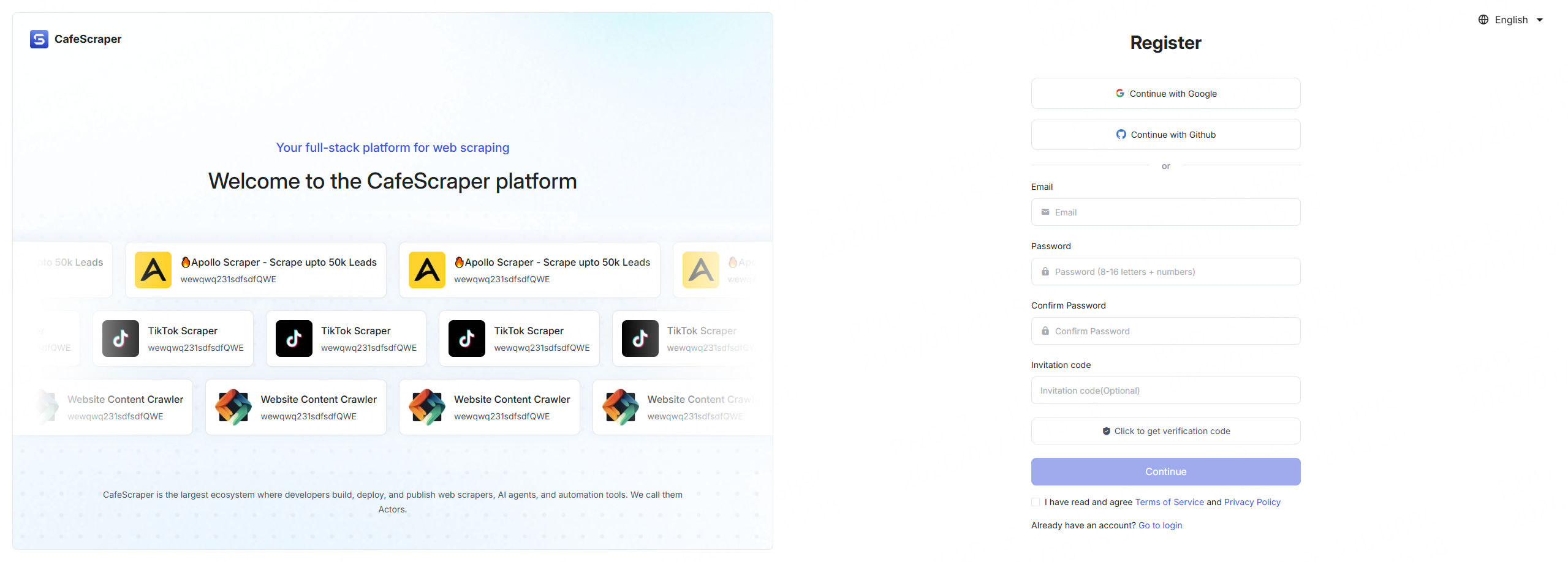
On the registration page, users are required to provide the following information:
* Email address
* Login password
* Confirm password
* Invitation code (optional)
* CAPTCHA
After completing the form, click **“Submit Registration”**.
Once email verification is completed, the registration process is finished.
***
### **2.2 Fill in Registration Information**
On the registration page, users are required to provide the following information:
* Email address
* Login password
* Confirm password
* Invitation code (optional)
* CAPTCHA
After completing the form, click **“Submit Registration”**.
Once email verification is completed, the registration process is finished.
 ***
## **3. User Login**
### **3.1 Log in to the System**
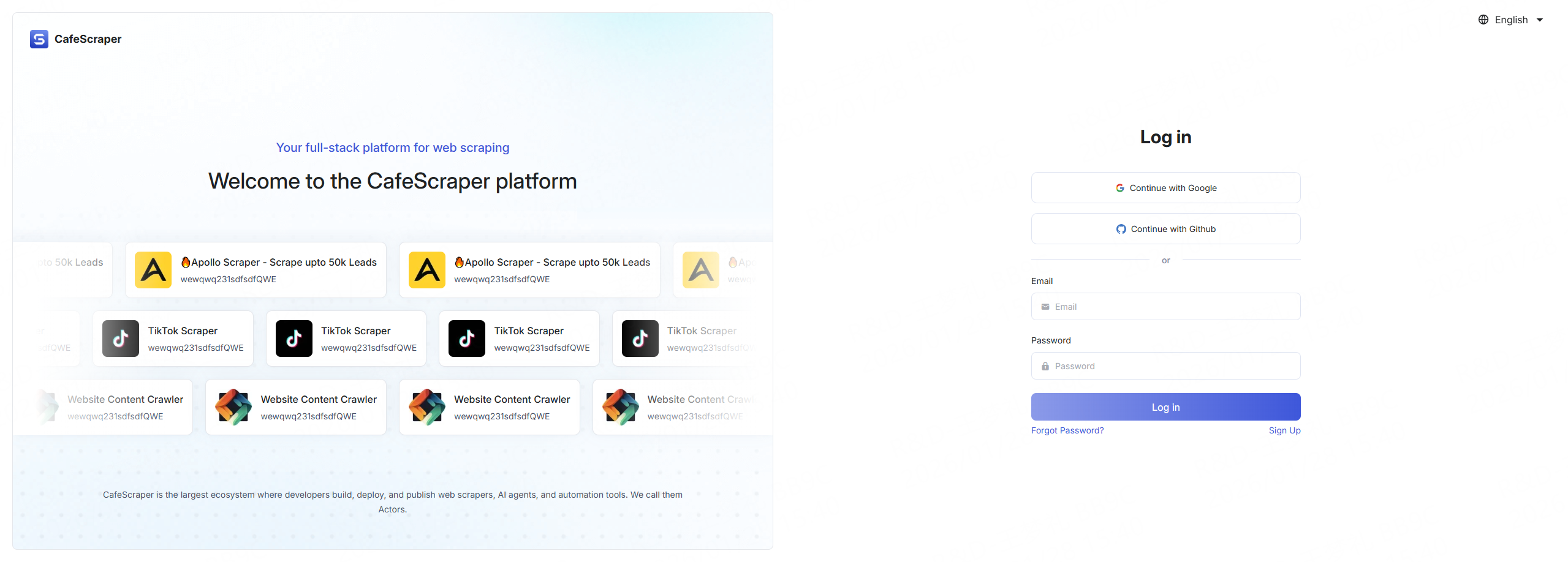
On the login page, users enter:
* Username
* Password
Click the **“Login”** button to access the system.
The platform also supports passwordless login via **Google** and **GitHub**.
***
## **3. User Login**
### **3.1 Log in to the System**
On the login page, users enter:
* Username
* Password
Click the **“Login”** button to access the system.
The platform also supports passwordless login via **Google** and **GitHub**.
 ***
### **3.2 Access the Console After Login**
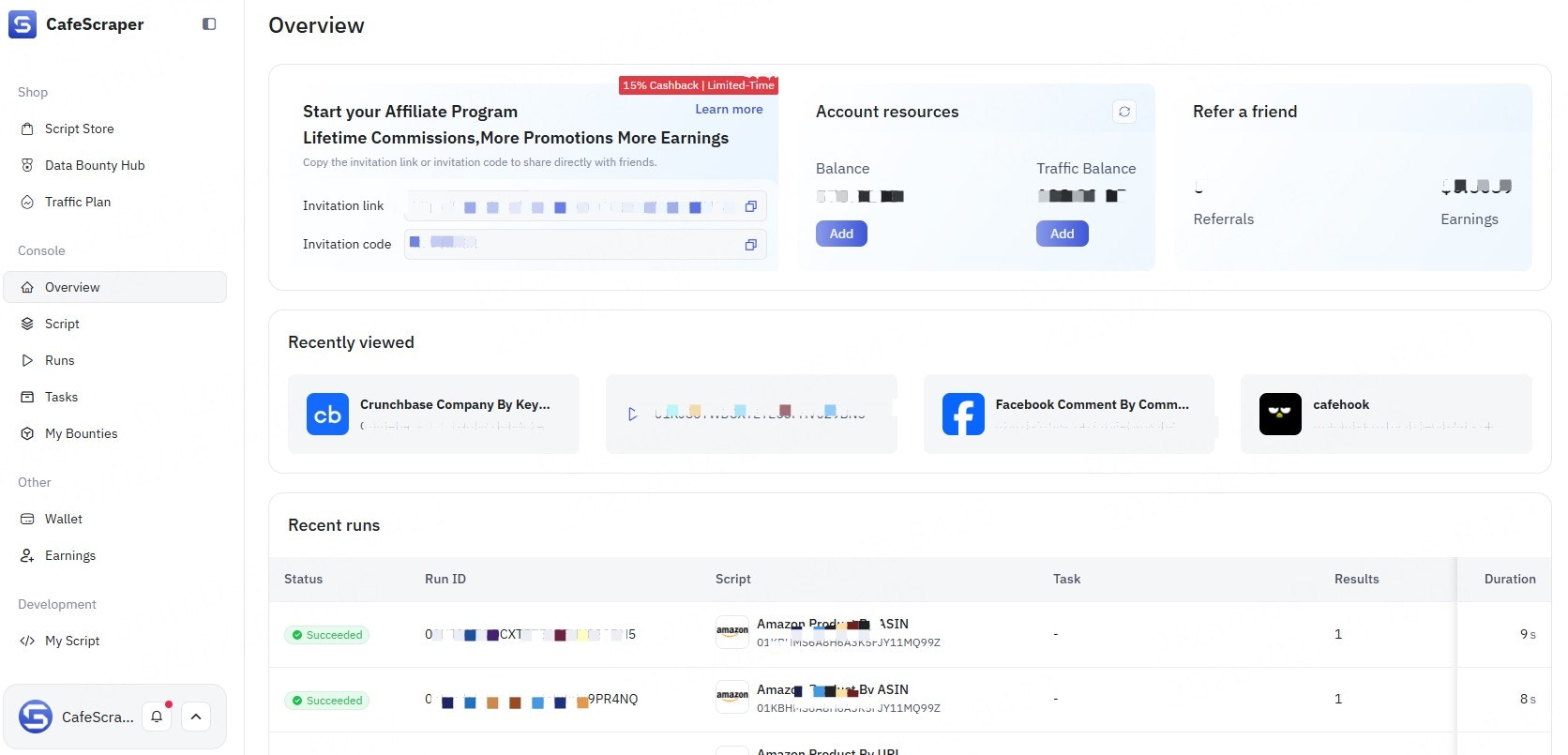
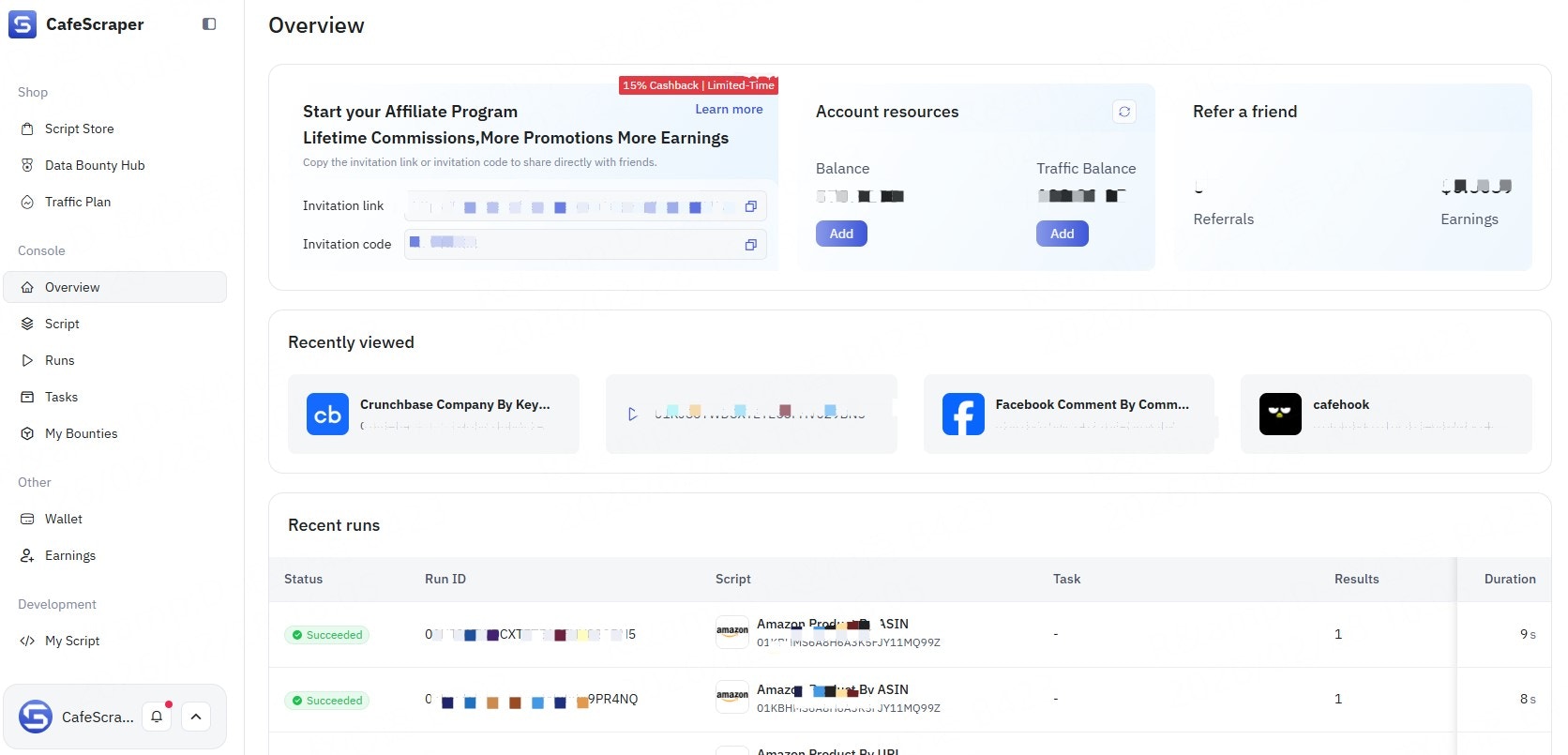
After successful login, users are redirected to the main console, where they can view task overviews, usage guides, and related information.
***
### **3.2 Access the Console After Login**
After successful login, users are redirected to the main console, where they can view task overviews, usage guides, and related information.
 ***
## **4. Create a Data Collection Task**
### **4.1 Enter Task Management**
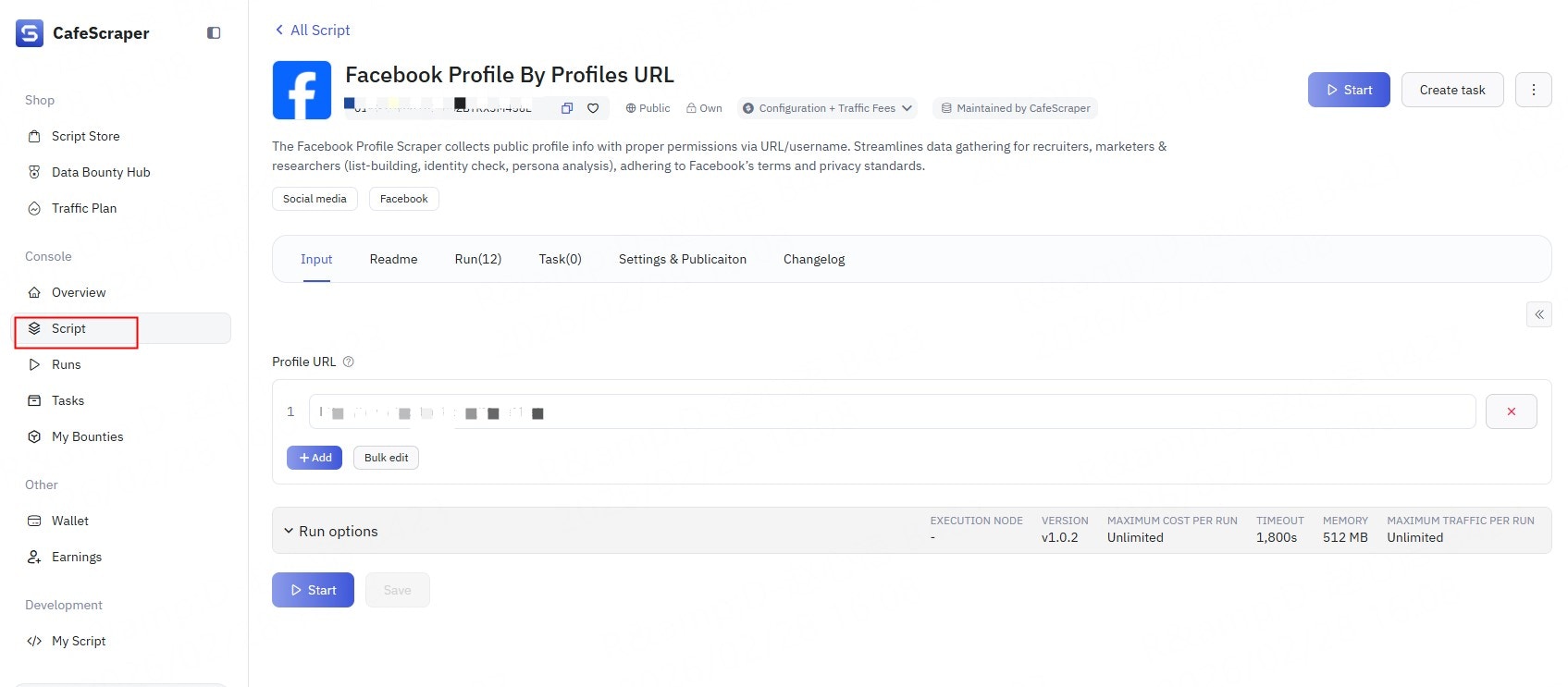
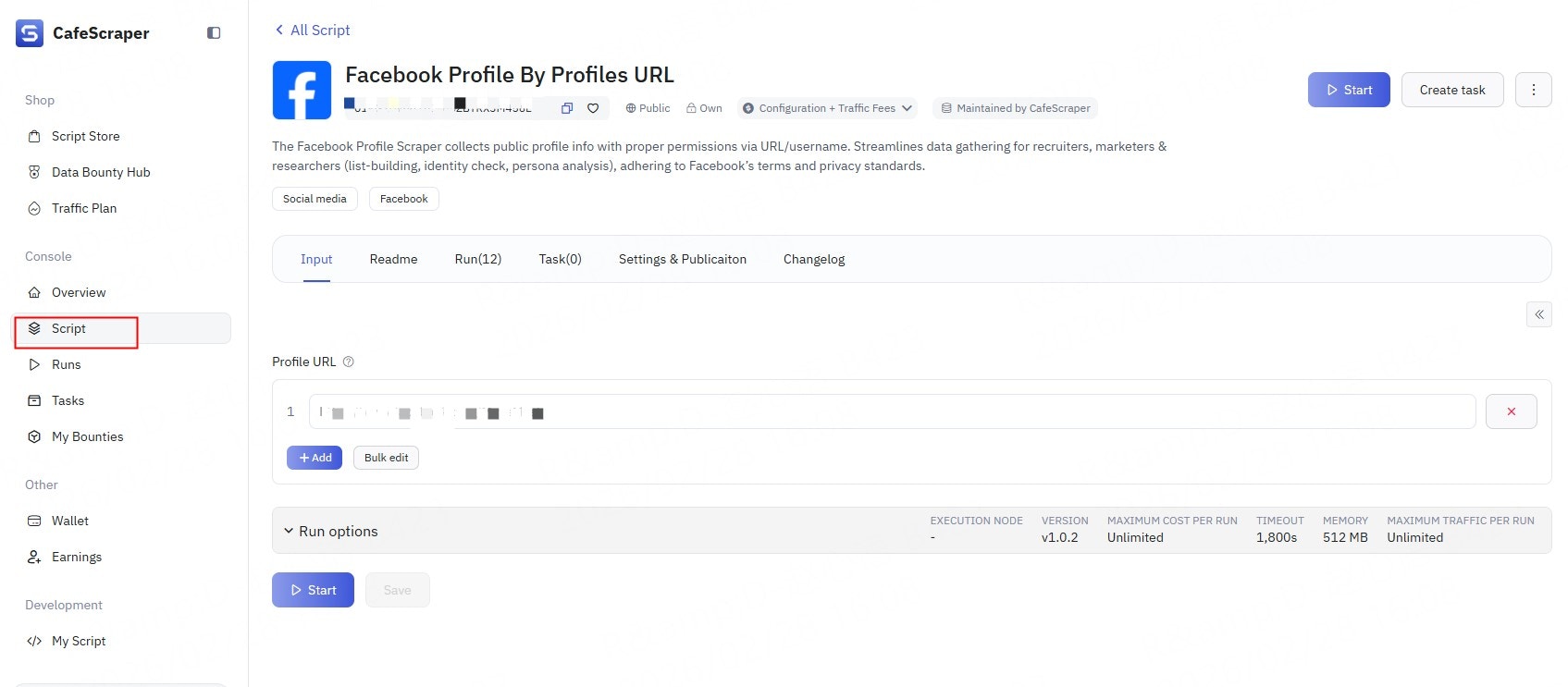
In the left-side menu, click Template → select the script (Template) you want to run.
***
## **4. Create a Data Collection Task**
### **4.1 Enter Task Management**
In the left-side menu, click Template → select the script (Template) you want to run.
 ***
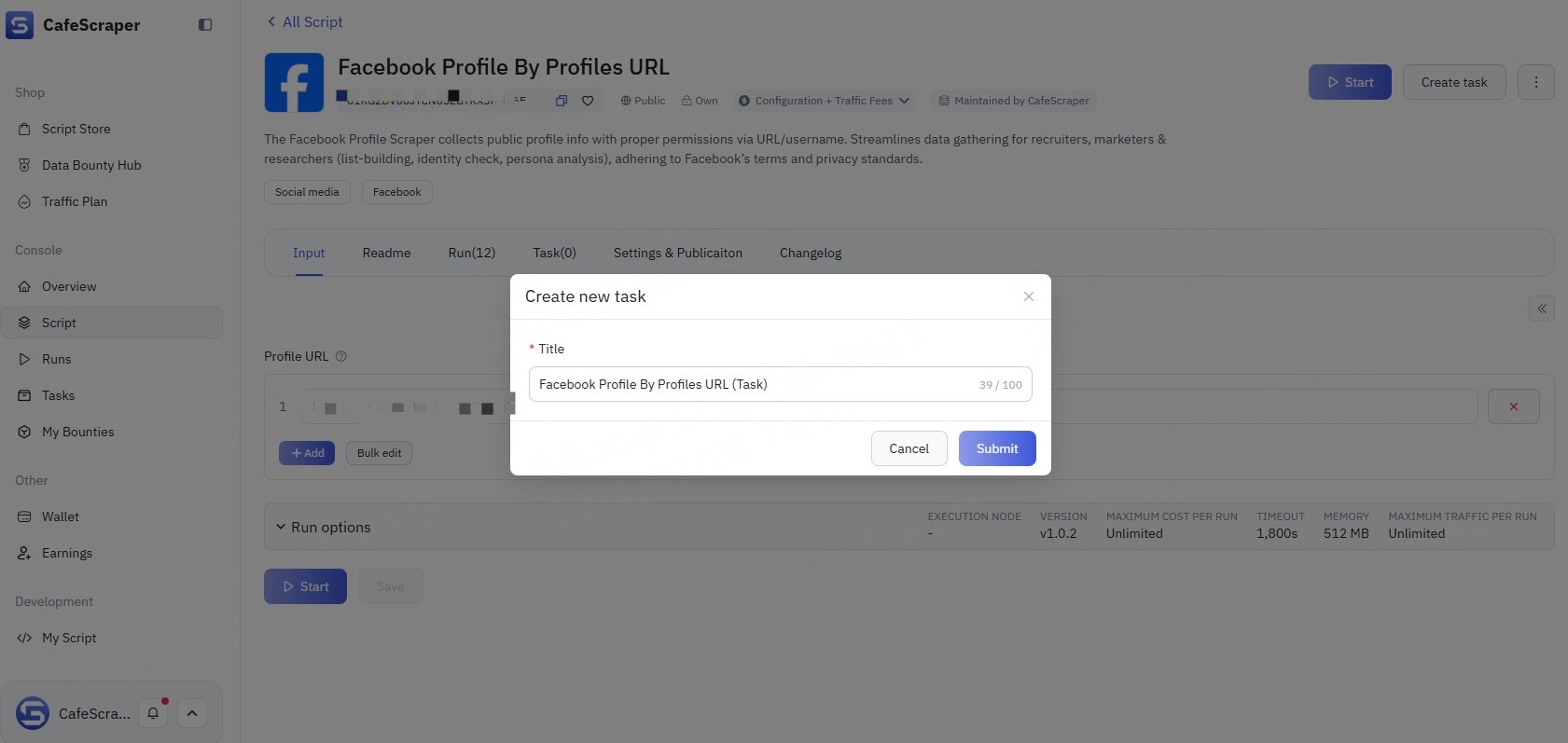
### **4.2 Fill in Basic Task Information**
When creating a new task, users need to provide:
* Task name (used to distinguish between different tasks)
***
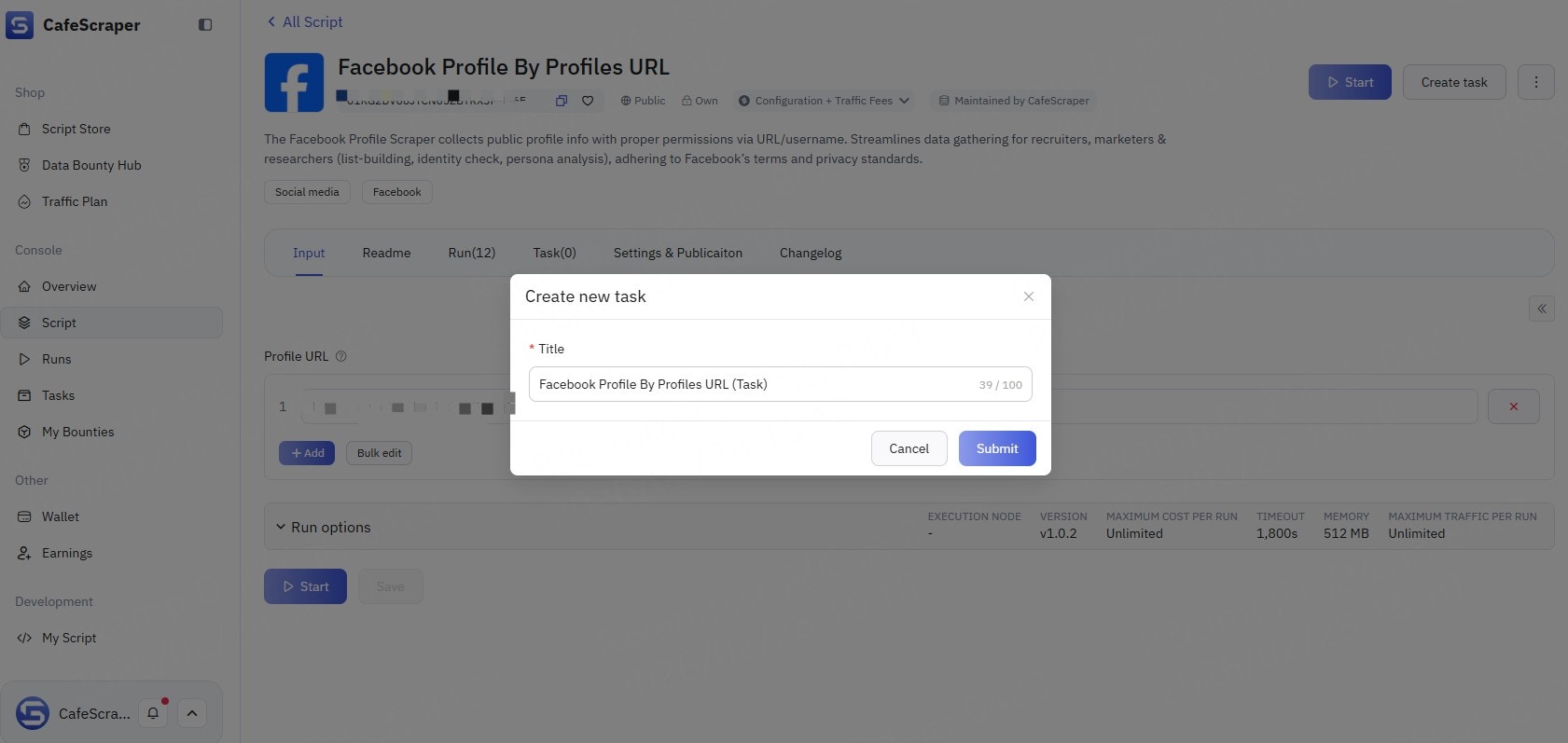
### **4.2 Fill in Basic Task Information**
When creating a new task, users need to provide:
* Task name (used to distinguish between different tasks)
 ***
## **5. Configure Collection Parameters**
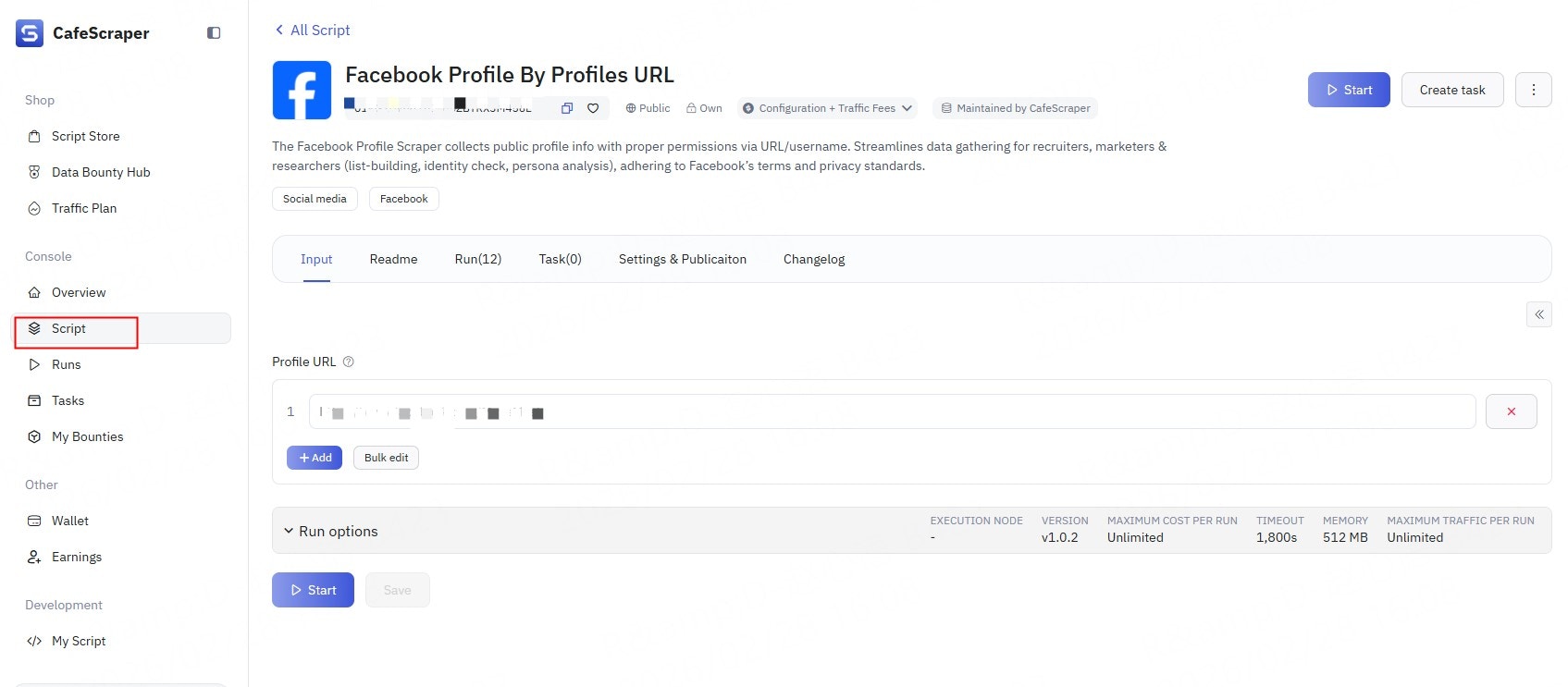
### **5.1 Set Collection Rules**
On the parameter configuration page, users can configure:
* Target page URL / URL patterns
* Data fields to collect (e.g., title, content, timestamp, etc.)
* Whether to enable pagination
* Collection depth / quantity limits
Please configure these options according to the requirements of the selected data collection script.
***
## **5. Configure Collection Parameters**
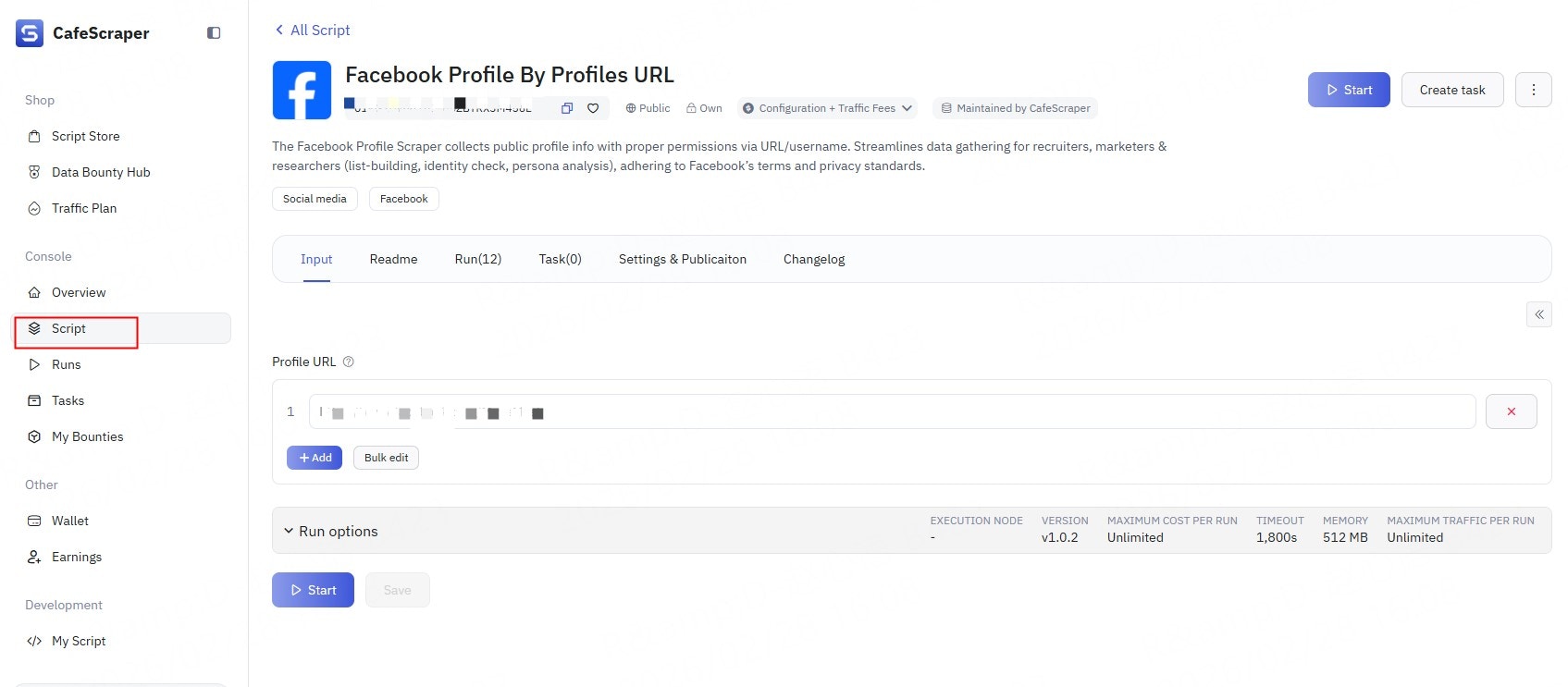
### **5.1 Set Collection Rules**
On the parameter configuration page, users can configure:
* Target page URL / URL patterns
* Data fields to collect (e.g., title, content, timestamp, etc.)
* Whether to enable pagination
* Collection depth / quantity limits
Please configure these options according to the requirements of the selected data collection script.
 ***
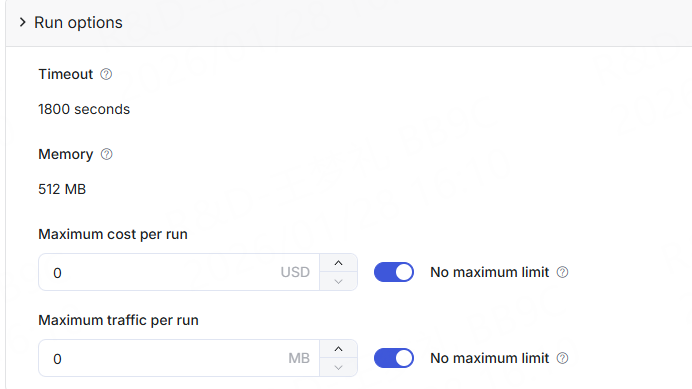
### **5.2 Advanced Configuration (Optional)**
Advanced users may configure the following options as needed:
* Concurrency limits
* Timeout strategies
* Exception handling methods
General users can keep the default settings.
***
### **5.2 Advanced Configuration (Optional)**
Advanced users may configure the following options as needed:
* Concurrency limits
* Timeout strategies
* Exception handling methods
General users can keep the default settings.
 ***
## **6. Start the Collection Task**
### **6.1 Start the Task**
After completing the parameter configuration, click the **“Start”** button.
The system will validate the task configuration. Once validation passes, the task will enter the running state.
***
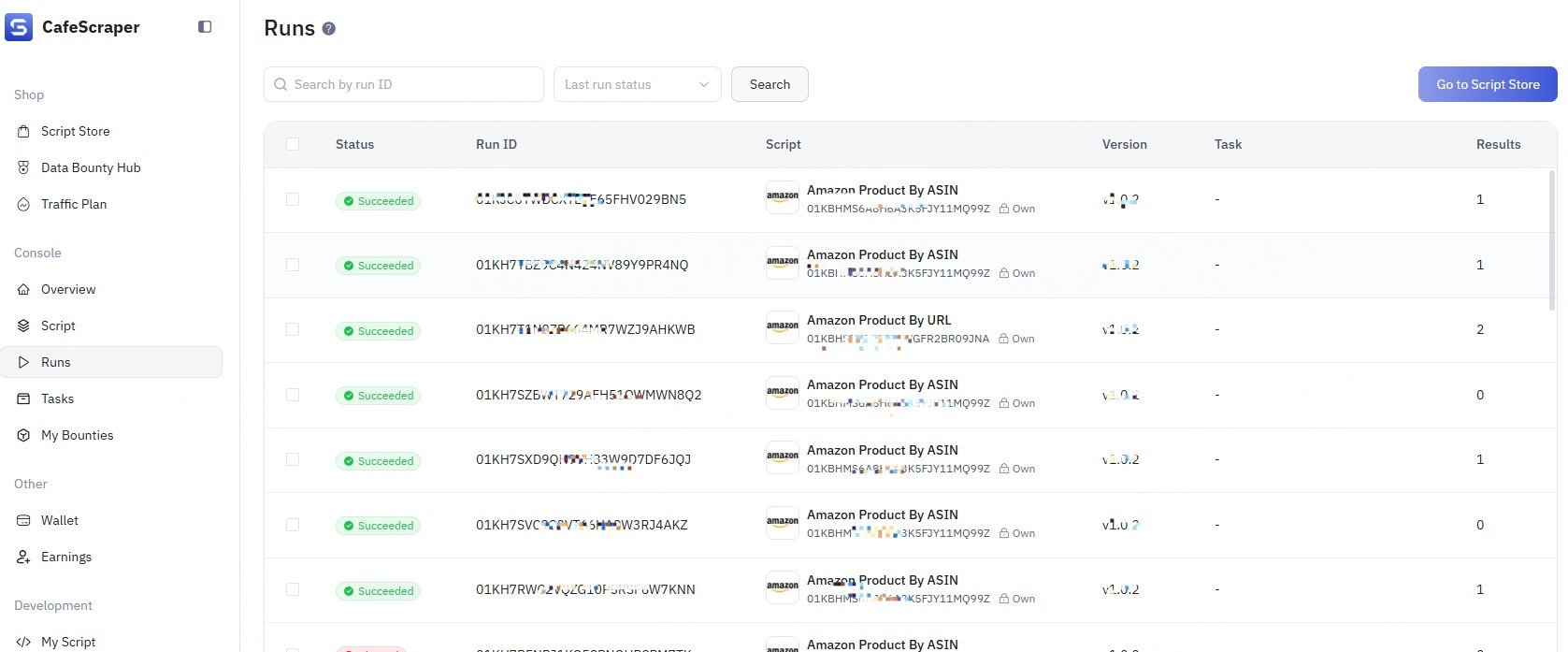
### **6.2 View Task Status**
Users can view task statuses in the **Run** list:
* Pending
* Running
* Completed
* Failed
* Error
***
## **6. Start the Collection Task**
### **6.1 Start the Task**
After completing the parameter configuration, click the **“Start”** button.
The system will validate the task configuration. Once validation passes, the task will enter the running state.
***
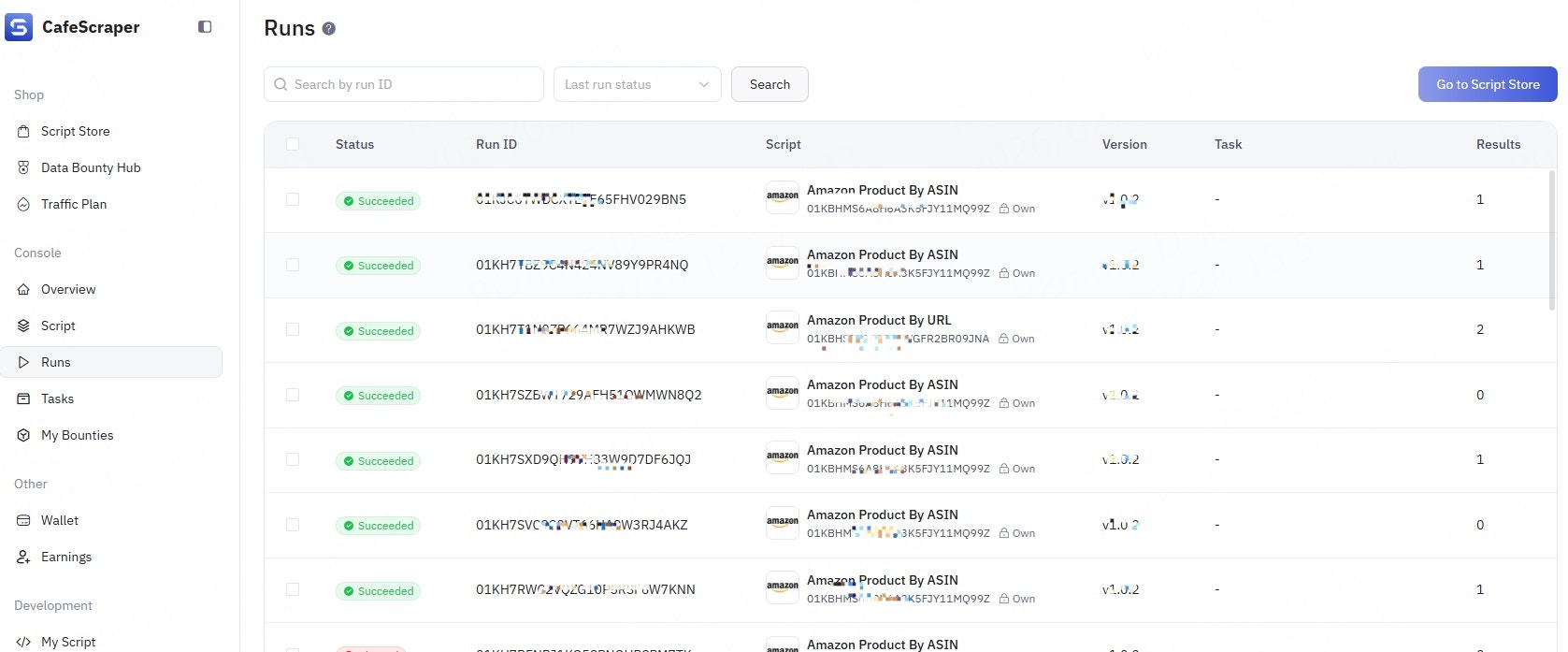
### **6.2 View Task Status**
Users can view task statuses in the **Run** list:
* Pending
* Running
* Completed
* Failed
* Error
 ***
## **7. View Collection Results**
### **7.1 Access the Results Page**
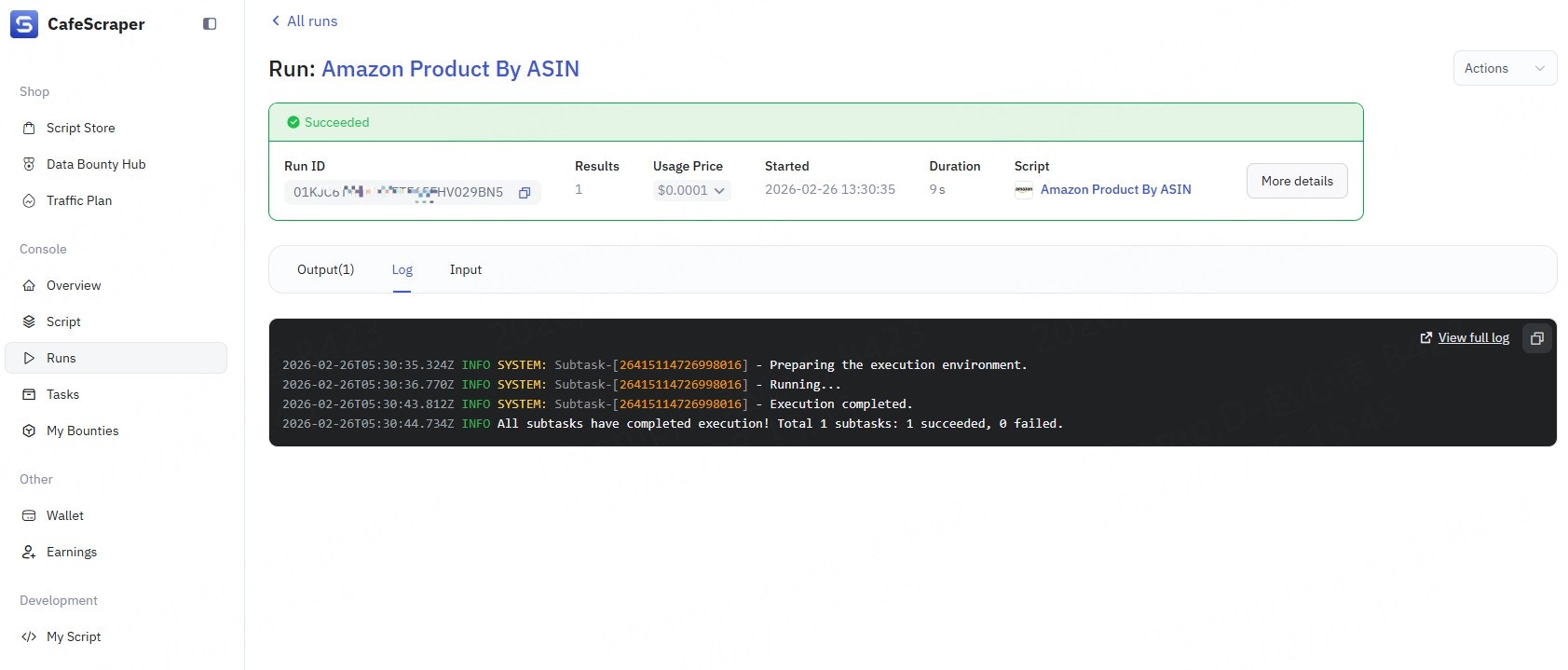
After the task is completed, click **Run** → **Run IDs** on the right side of the task to enter the results page.
On the results page, users can:
* View the collected data list
* View detailed information for individual records
* Check execution logs
* Review input parameters
* View runtime duration, cost, and related information
***
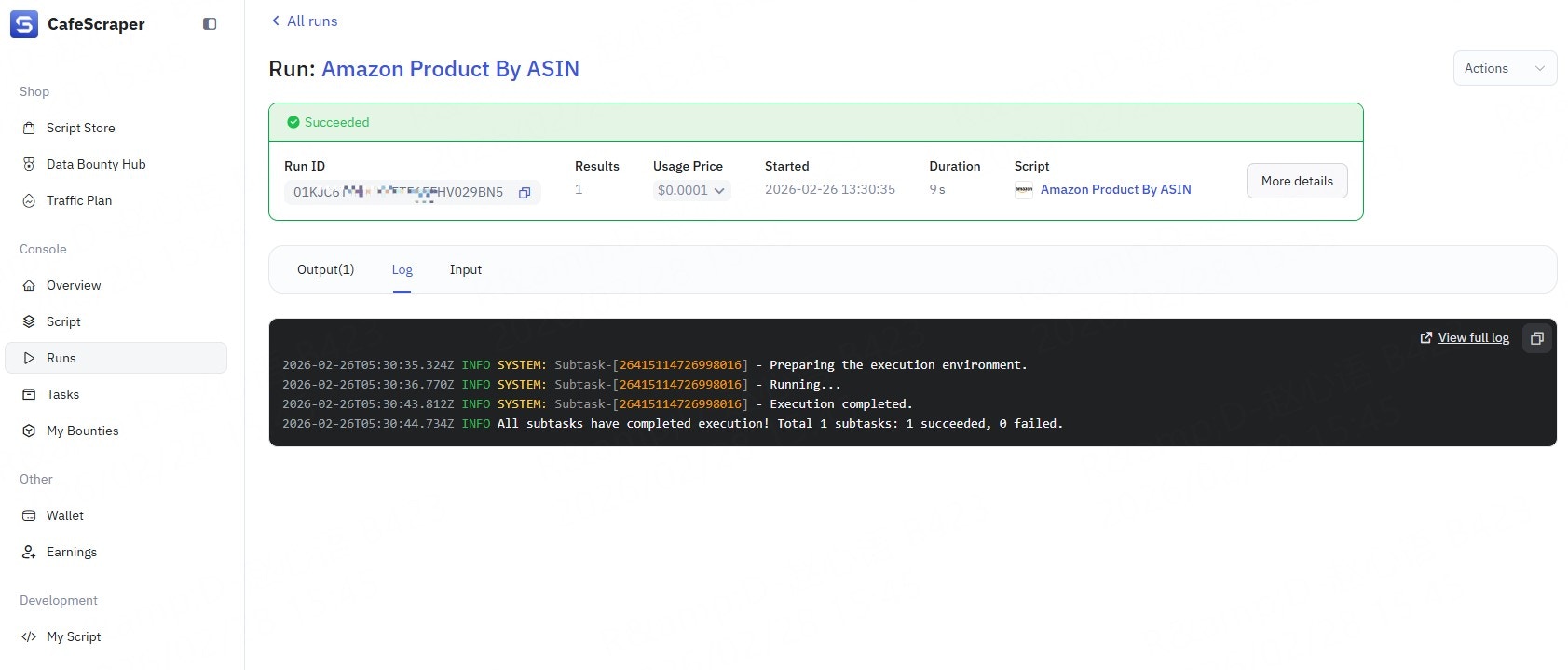
## **7. View Collection Results**
### **7.1 Access the Results Page**
After the task is completed, click **Run** → **Run IDs** on the right side of the task to enter the results page.
On the results page, users can:
* View the collected data list
* View detailed information for individual records
* Check execution logs
* Review input parameters
* View runtime duration, cost, and related information
 ***
## **8. Export Data**
### **8.1 Select Export Method**
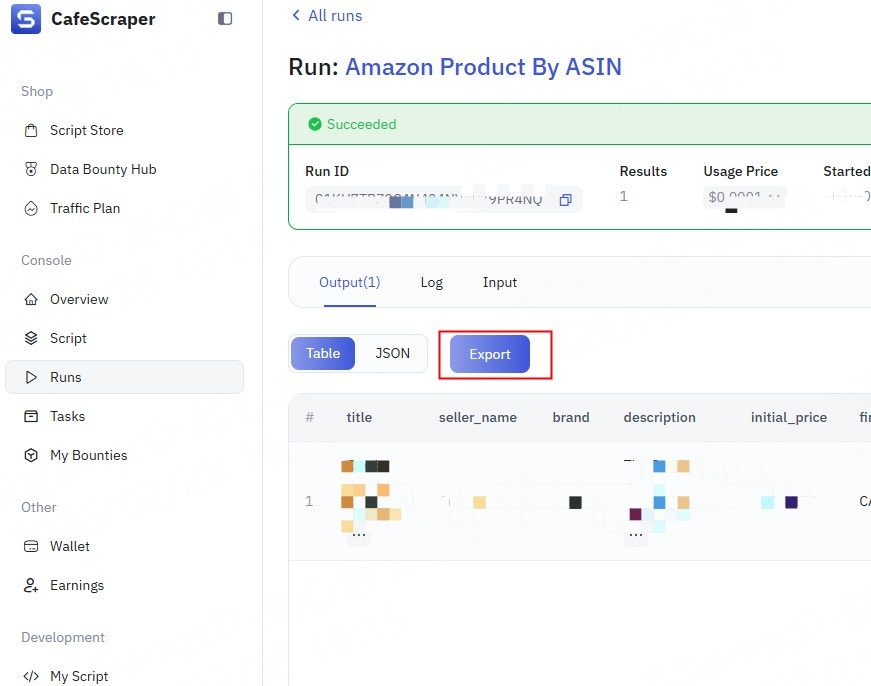
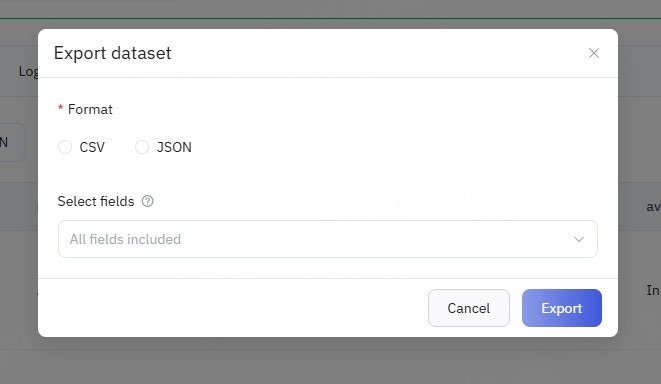
In the top-right corner of the results table, click the **“Export”** button.
The system supports the following export formats (depending on permissions):
* CSV
* JSON
***
## **8. Export Data**
### **8.1 Select Export Method**
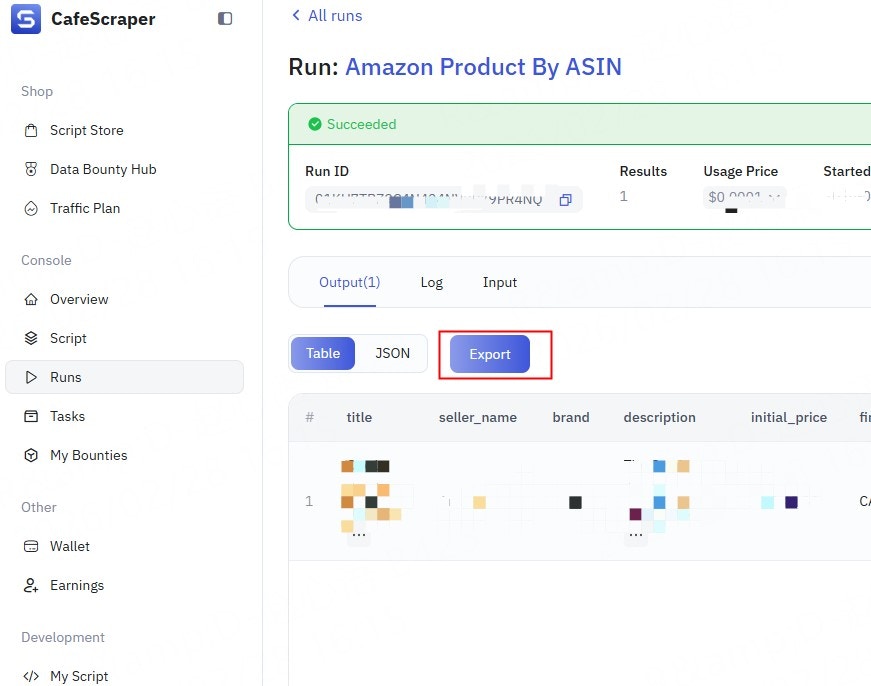
In the top-right corner of the results table, click the **“Export”** button.
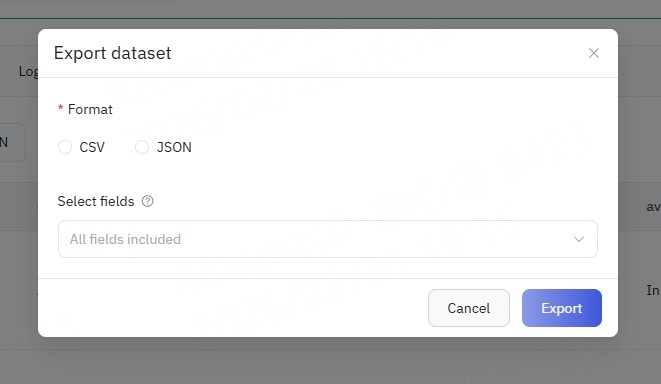
The system supports the following export formats (depending on permissions):
* CSV
* JSON
 ***
### **8.2 Execute Export**
After selecting the export format, click **“Confirm Export”**.
The system will generate the export file and automatically download it once ready.
***
## **9. Frequently Asked Questions**
* **What should I do if a task keeps running indefinitely?**
* Check the task logs or contact the administrator.
* **What should I do if the system displays an error code?**
* Record the complete **error code and message**.
* First, try **refreshing the page or logging in again**.
* If the issue persists, provide the error information to **technical support or the administrator** for further investigation.
* **What should I do if clicking a button has no response?**
* Try **refreshing the page**.
* Check whether your browser version is outdated. It is recommended to use the **latest versions of mainstream browsers** such as Chrome or Firefox.
* Disable browser extensions (especially ad blockers) and try again.
***
## **10. Documentation Notes**
* Screenshots in this document are for reference only.\
The actual interface is subject to the latest version of the system.
***
### **8.2 Execute Export**
After selecting the export format, click **“Confirm Export”**.
The system will generate the export file and automatically download it once ready.
***
## **9. Frequently Asked Questions**
* **What should I do if a task keeps running indefinitely?**
* Check the task logs or contact the administrator.
* **What should I do if the system displays an error code?**
* Record the complete **error code and message**.
* First, try **refreshing the page or logging in again**.
* If the issue persists, provide the error information to **technical support or the administrator** for further investigation.
* **What should I do if clicking a button has no response?**
* Try **refreshing the page**.
* Check whether your browser version is outdated. It is recommended to use the **latest versions of mainstream browsers** such as Chrome or Firefox.
* Disable browser extensions (especially ad blockers) and try again.
***
## **10. Documentation Notes**
* Screenshots in this document are for reference only.\
The actual interface is subject to the latest version of the system.