> ## Documentation Index
> Fetch the complete documentation index at: https://docs.cafescraper.com/llms.txt
> Use this file to discover all available pages before exploring further.
# Template Task
Template tasks allow you to create and save **multiple preset configurations** for the same Template, making it easy to reuse and run them on demand.\
For example, you can configure a **“Product Scraping”** task to extract basic product information, reviews, and other data from Amazon. Once the target URLs and parameters are set, the same configuration can be reused to scrape different products.
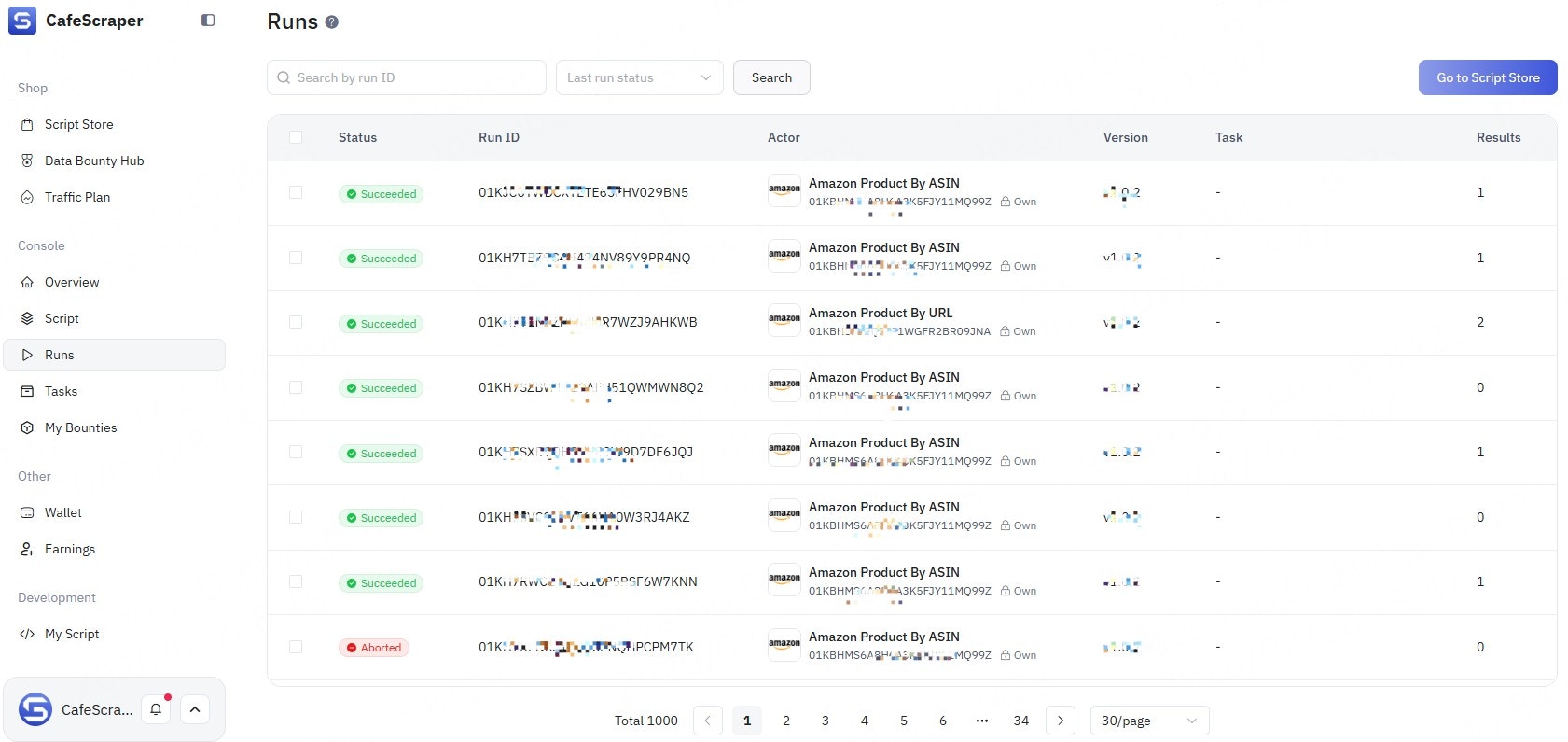
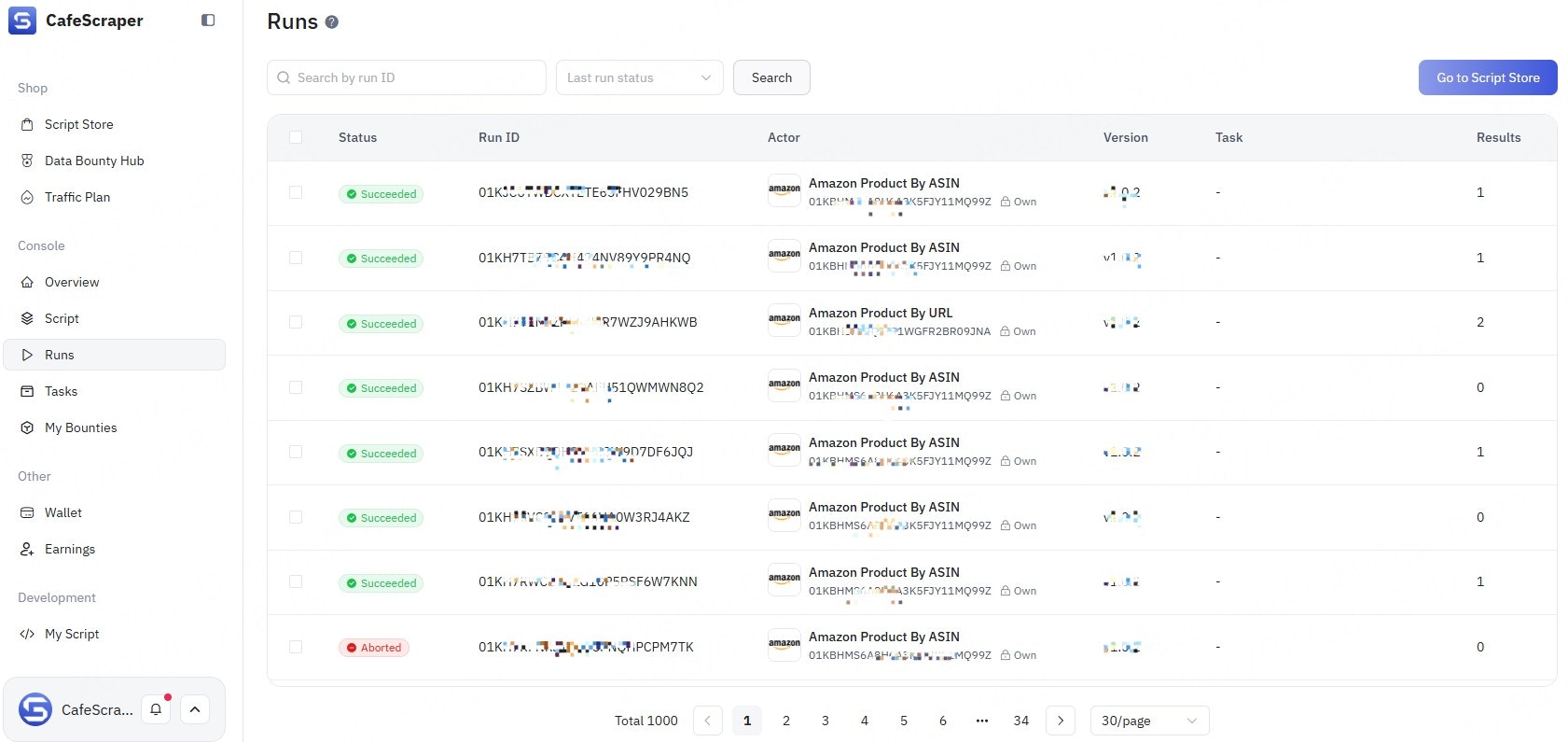
You can manage and run these task configurations directly in the **CafeScraper Console**, as well as view their execution history, enabling efficient task management and reuse.
***
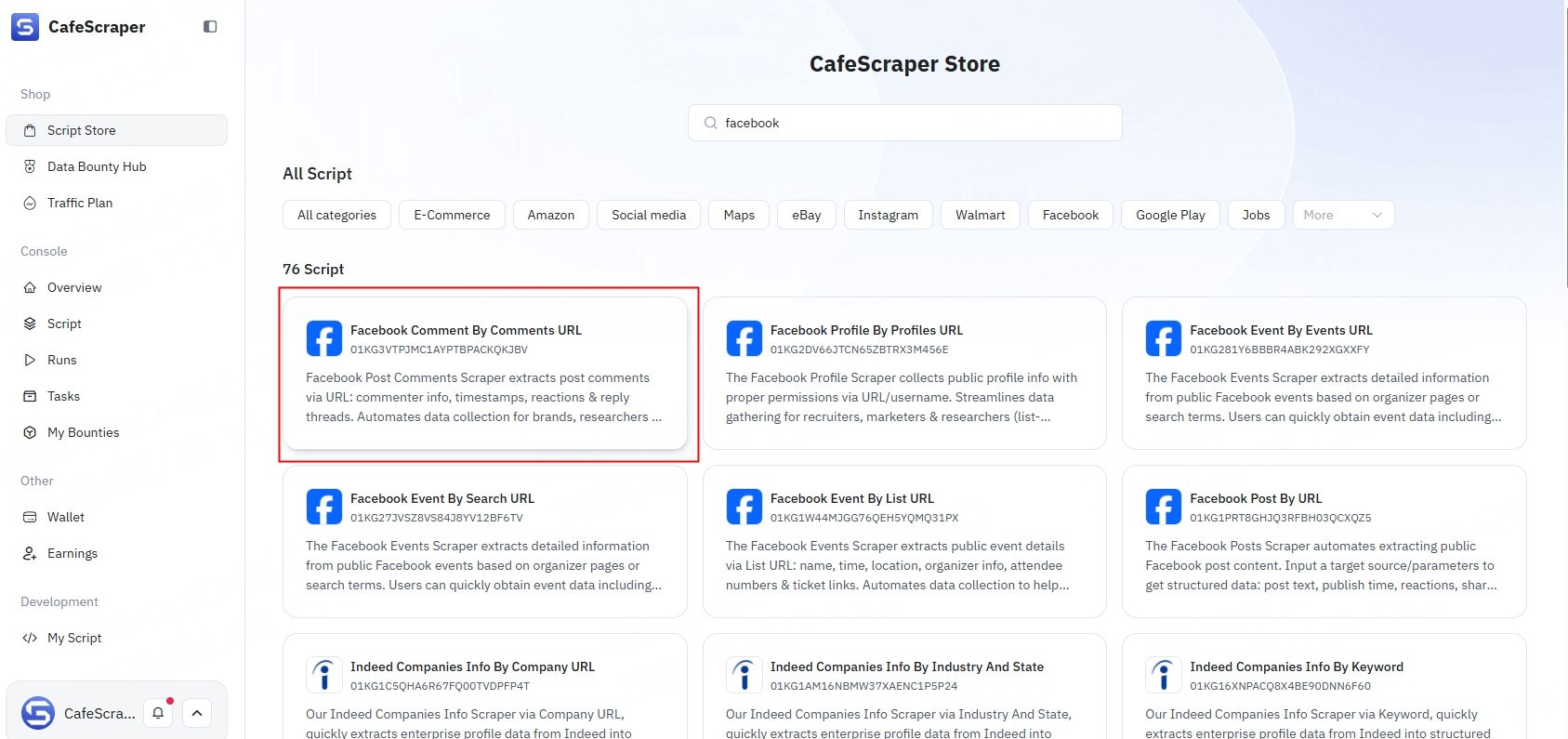
### **Select an** Template
Choose the Template you want to use for the task.
 ***
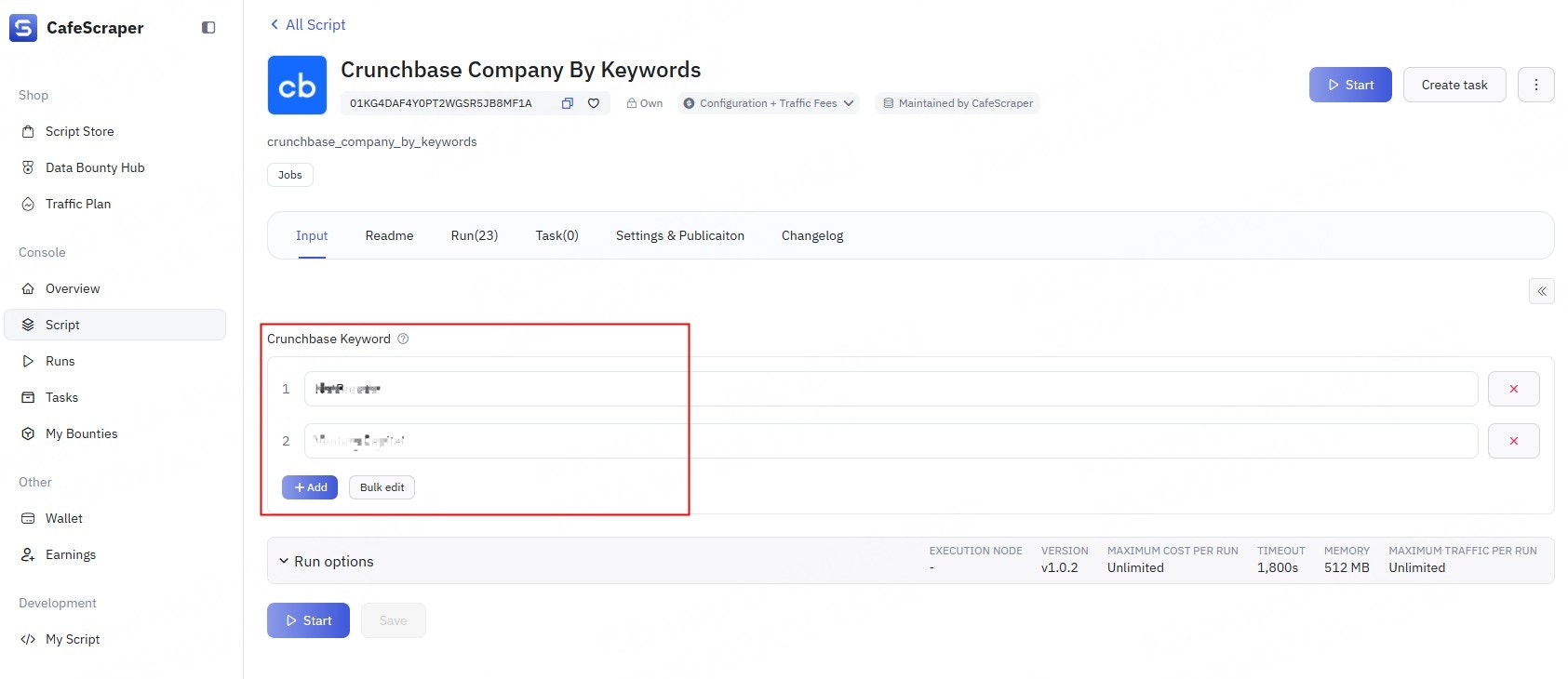
### **Configuration**
Configure the input parameters and settings required by the selected Template.
***
### **Configuration**
Configure the input parameters and settings required by the selected Template.
 ***
### **Naming**
To make tasks easier to identify, you can click the task title on the details page to add a **name**, **title**, and **description**.
***
### **Naming**
To make tasks easier to identify, you can click the task title on the details page to add a **name**, **title**, and **description**.
 ***
### **Run**
Start the task to create an Template Run and begin execution.
***
### **Run**
Start the task to create an Template Run and begin execution.