> ## Documentation Index
> Fetch the complete documentation index at: https://docs.cafescraper.com/llms.txt
> Use this file to discover all available pages before exploring further.
# Script Publishing Workflow
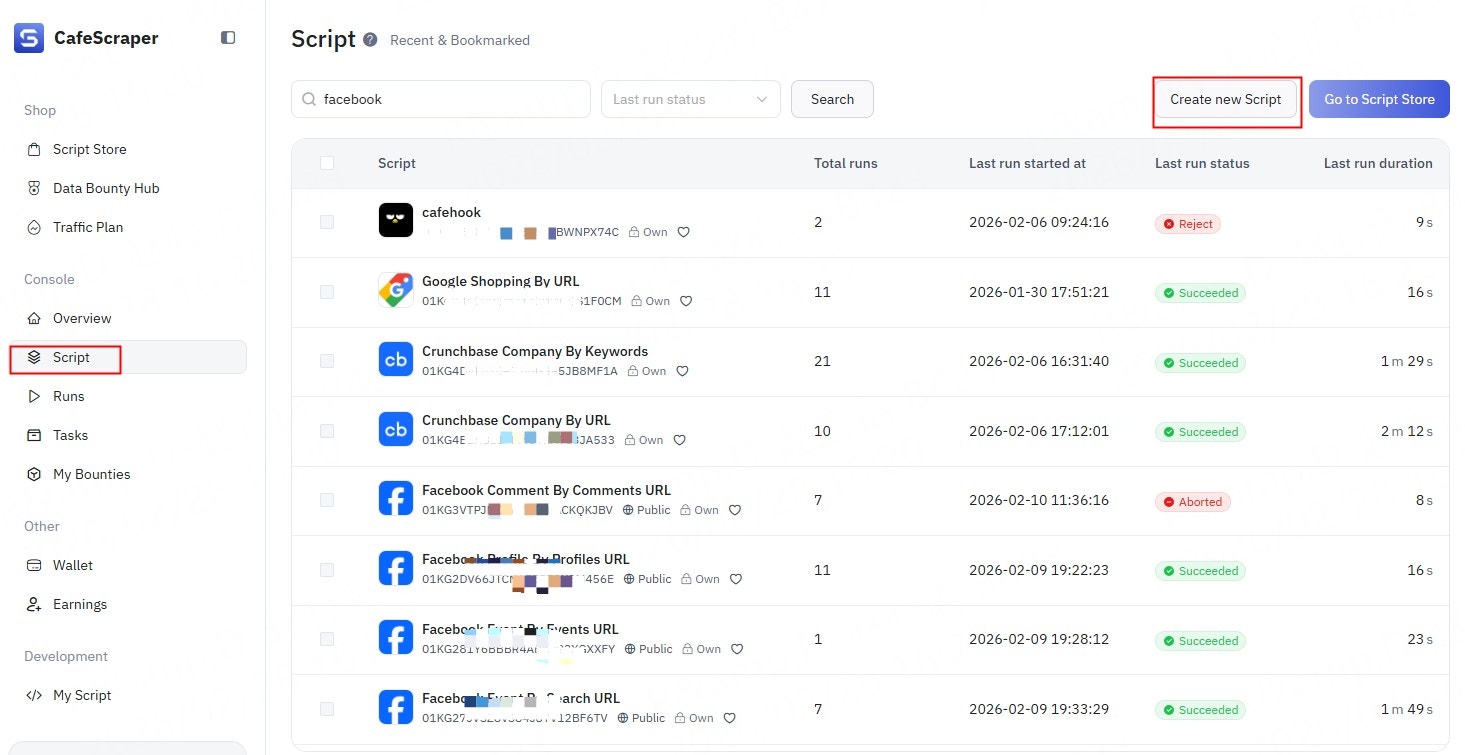
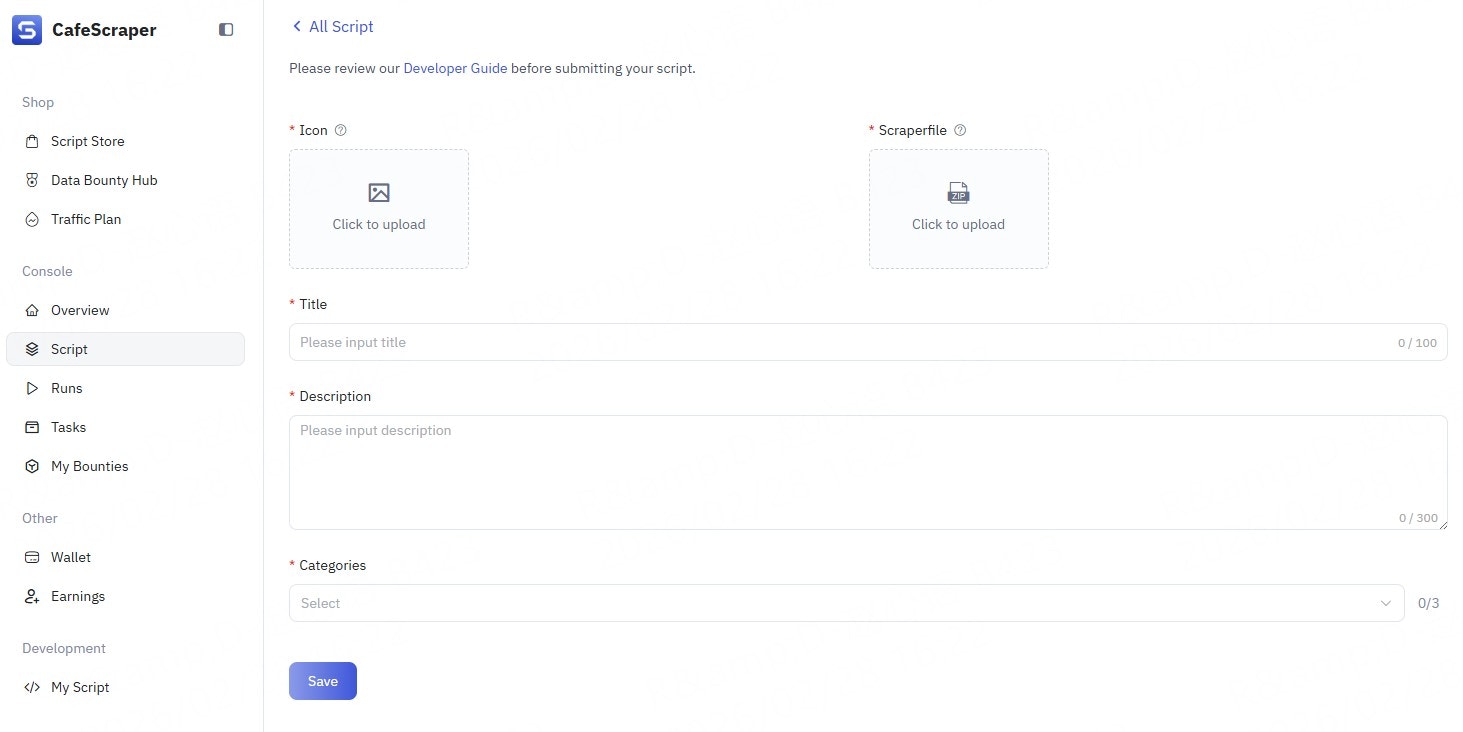
This article explains how to create a personal script and how to publish it to the **CafeScraper Store**.
***
## **Submission & Usage**
CafeScraper supports publishing both **private scripts** and **public scripts**.\
All script execution files **must strictly follow the platform specifications**.
### **💡 Upload Restrictions**
> Currently, **only ZIP archive files are supported** for script uploads.\
> Please ensure your file format is correct before uploading.
* **Private Scripts**\
Once submitted, no review is required. The script can be executed immediately in the runner and is visible **only to you**.
* **Public Scripts**\
After submission, the script enters the review process. Once approved, it will be publicly listed in the Store and available for all users to search, view, and use.
***
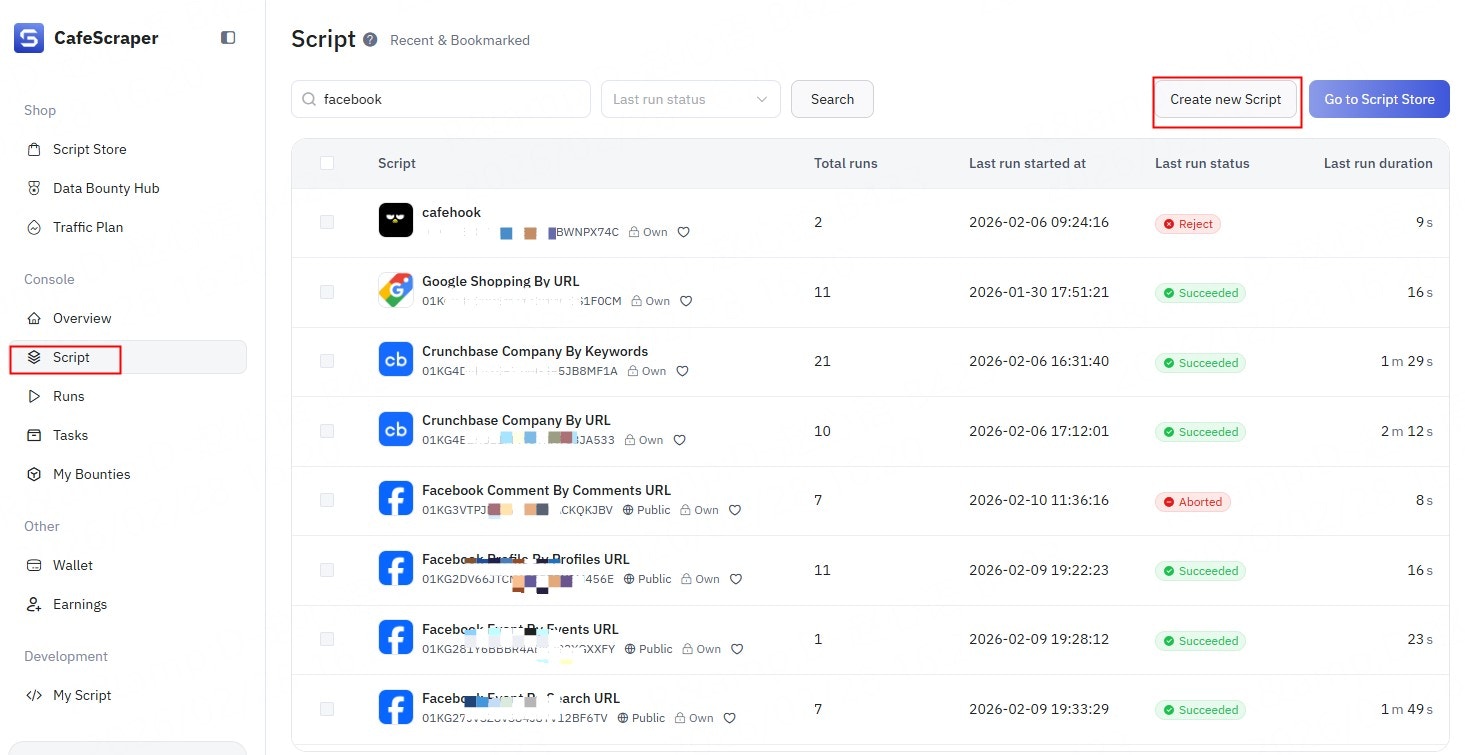
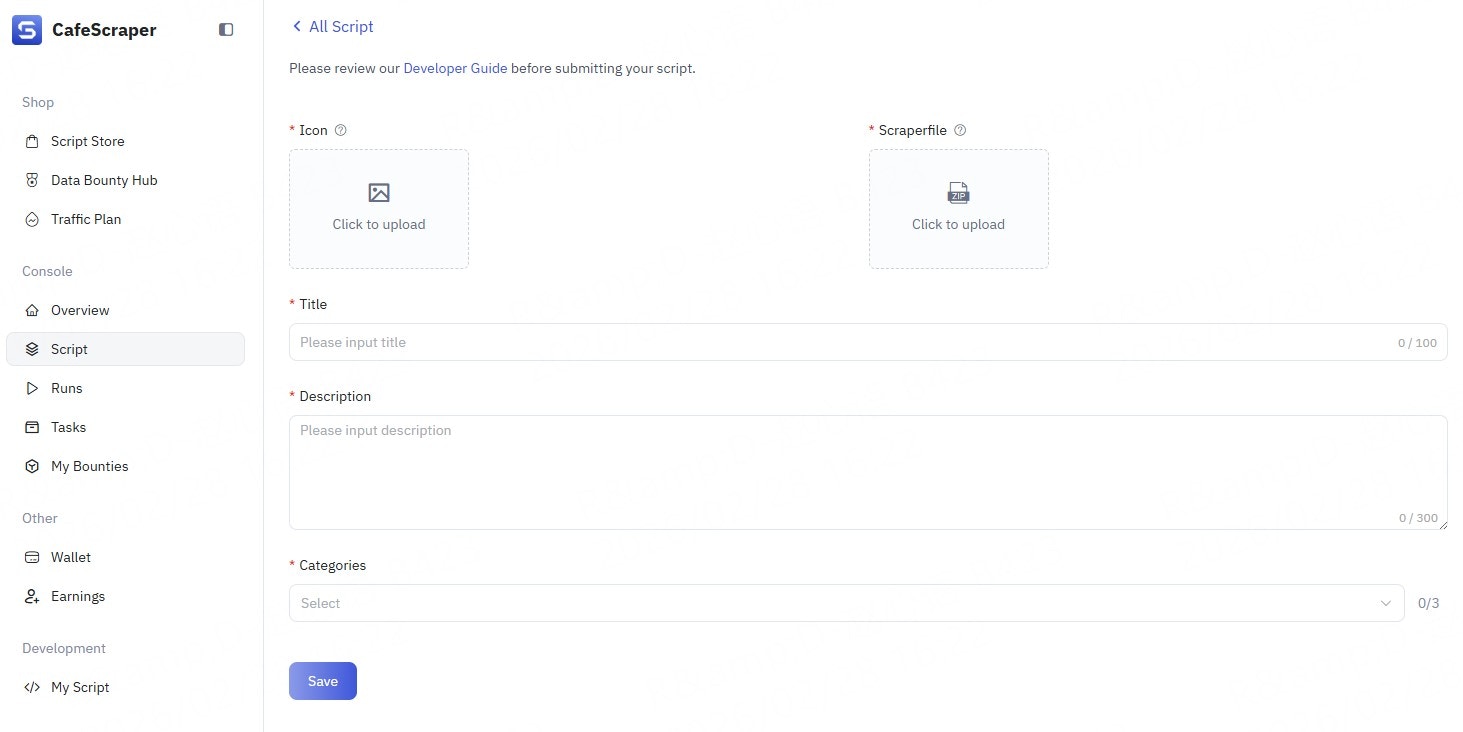
## **Publishing a Private Script**
After the script is created, it can be executed immediately **without review**, but it can **only run in the test environment**.
 ***
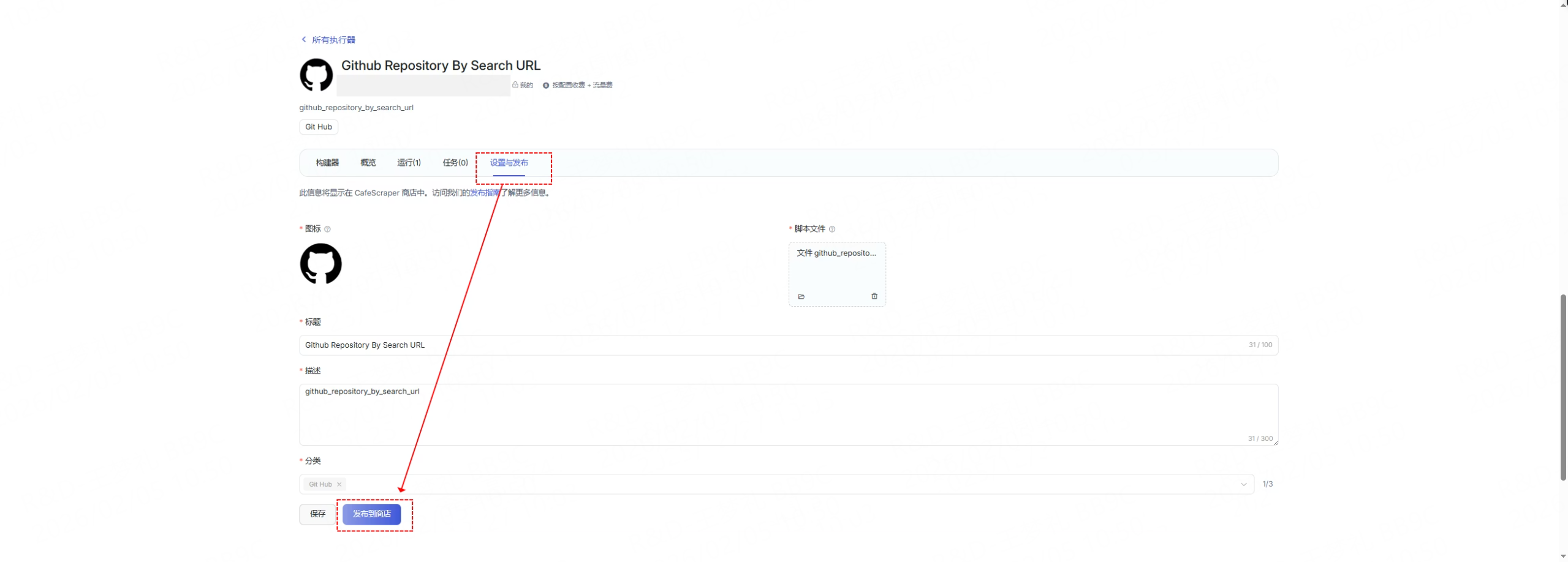
## **Publishing to the Store**
If you want your script to generate revenue, you can publish it publicly to the\
[CafeScraper Store](https://cafescraper.com/store).
For detailed revenue rules, please refer to **“CafeScraper Script Revenue Policy.”**
* After selecting **“Submit and Publish to Store”**, the script will enter the review queue.
* Once approved, the script will be automatically listed in the Store and will appear in relevant categories and search results.
***
## **Publishing to the Store**
If you want your script to generate revenue, you can publish it publicly to the\
[CafeScraper Store](https://cafescraper.com/store).
For detailed revenue rules, please refer to **“CafeScraper Script Revenue Policy.”**
* After selecting **“Submit and Publish to Store”**, the script will enter the review queue.
* Once approved, the script will be automatically listed in the Store and will appear in relevant categories and search results.
 ***
### **💡 Configuration Tips**
1. **Clear descriptions**\
Ensure the `description` is clear and accurate. This significantly improves discoverability and user understanding.
2. **Set sensible defaults**\
Reasonable default values allow users to run the script with a single click, greatly lowering the barrier to use.
3. **Focus on popular platforms**\
Scripts targeting popular platforms (such as **e-commerce** and **social media**) are more likely to gain attention and usage.
***
### **💡 Configuration Tips**
1. **Clear descriptions**\
Ensure the `description` is clear and accurate. This significantly improves discoverability and user understanding.
2. **Set sensible defaults**\
Reasonable default values allow users to run the script with a single click, greatly lowering the barrier to use.
3. **Focus on popular platforms**\
Scripts targeting popular platforms (such as **e-commerce** and **social media**) are more likely to gain attention and usage.